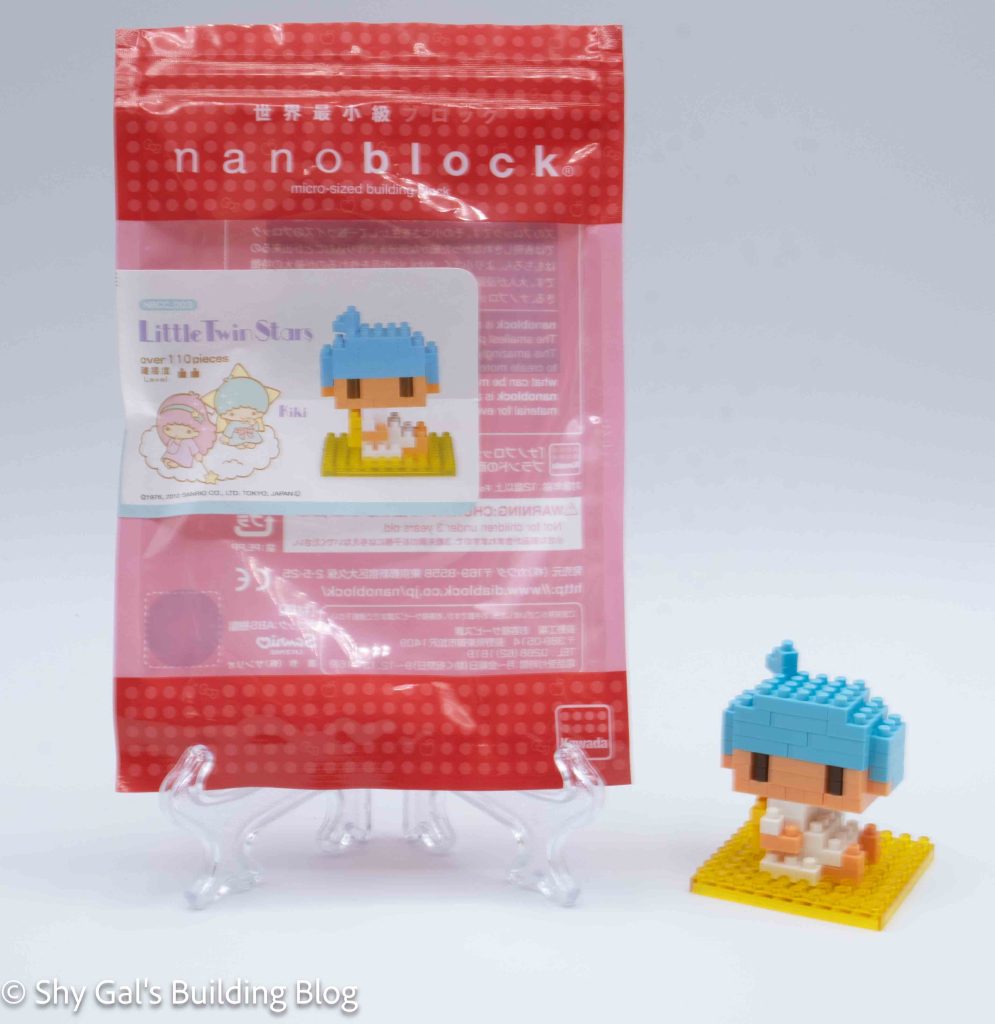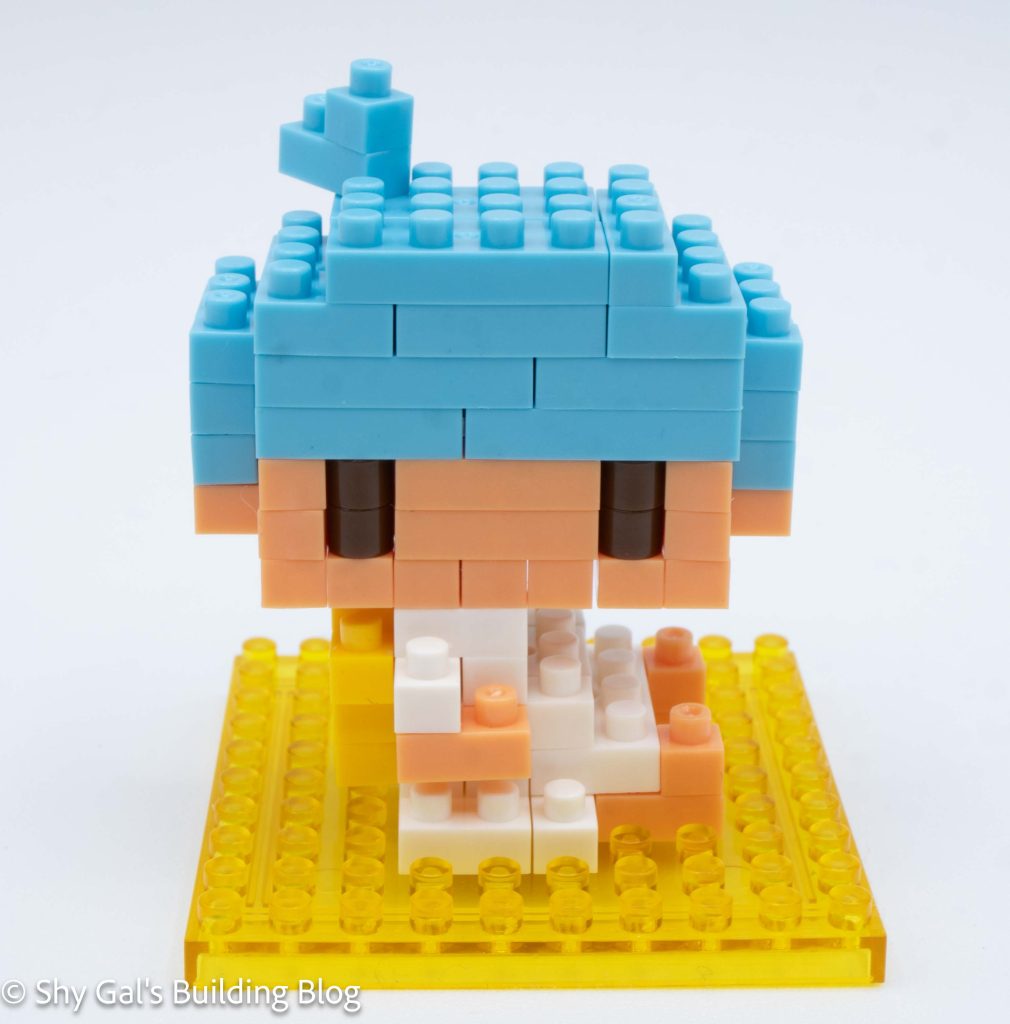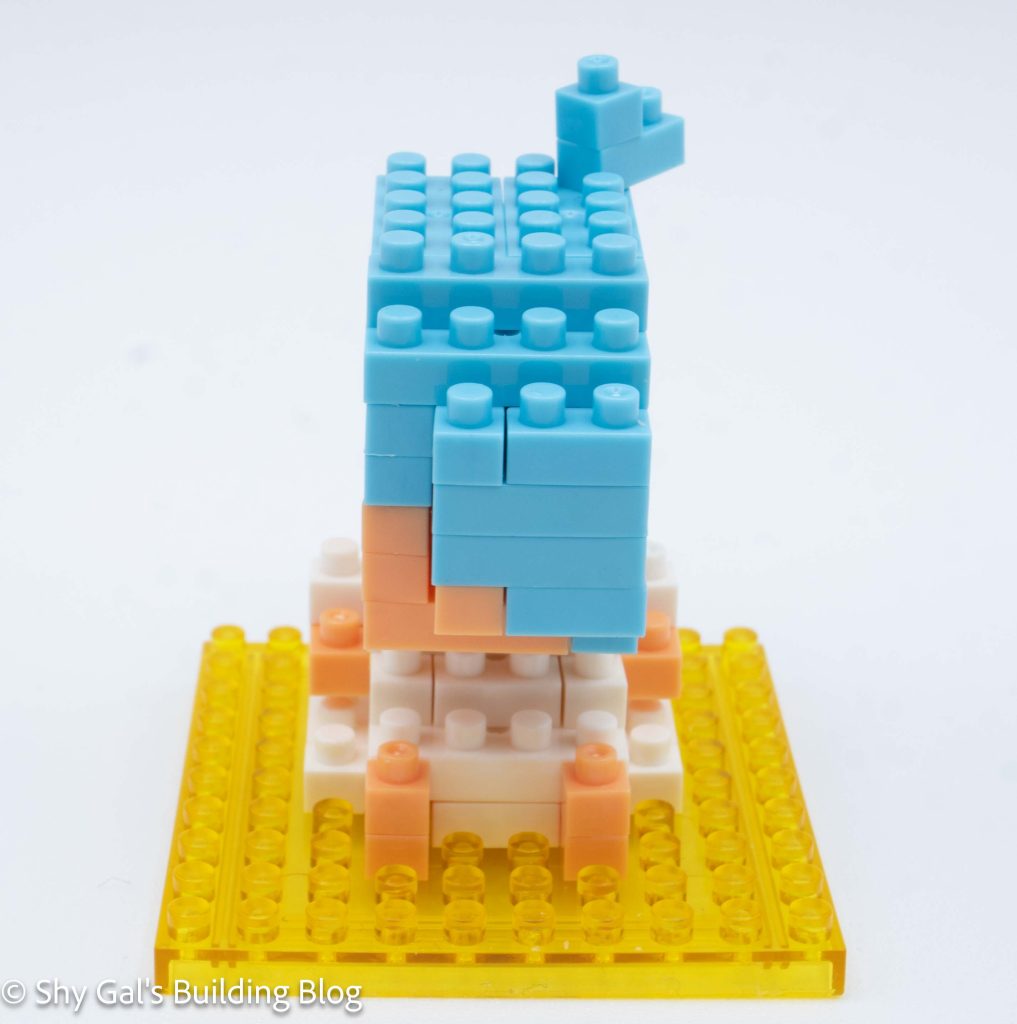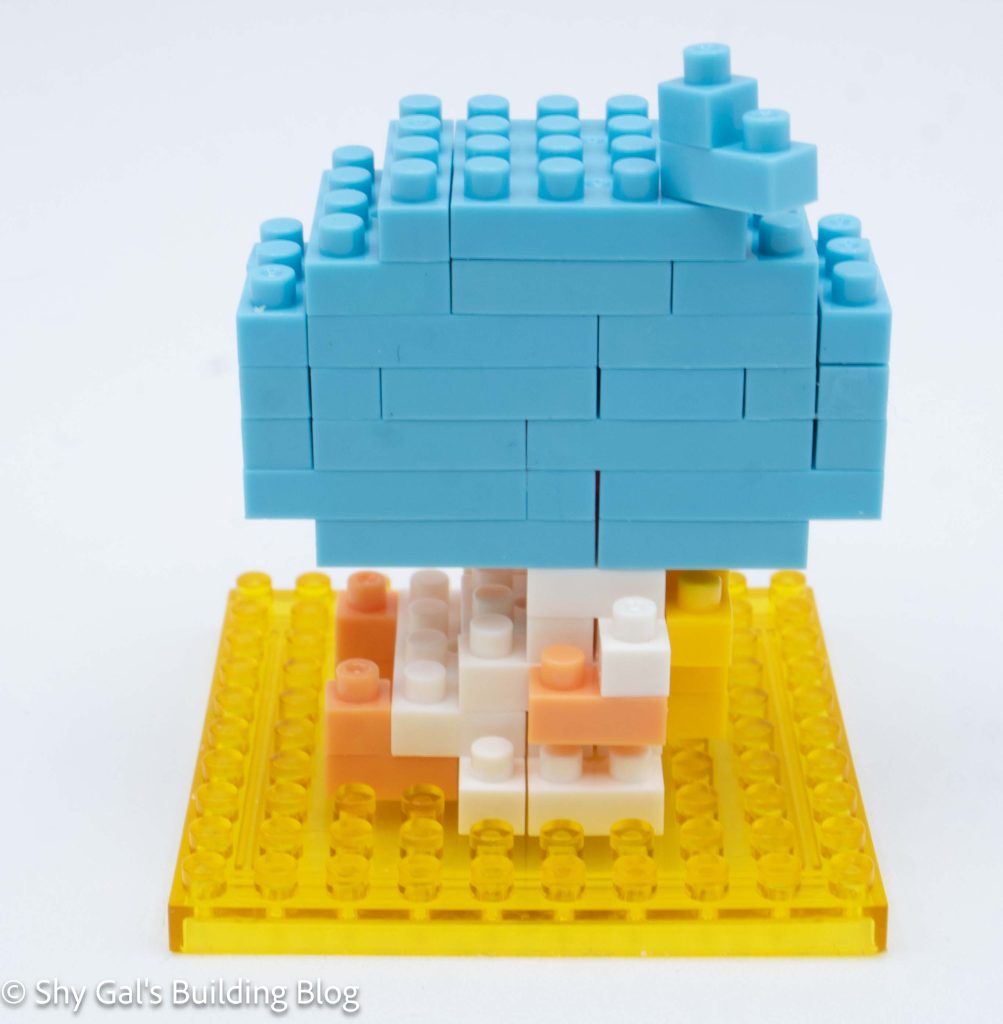
This post may contain affiliate links, and I may earn a small commission at no cost to you. This commission allows me to give you more information about brick builds by enabling me to buy more sets. See my full disclosure here .
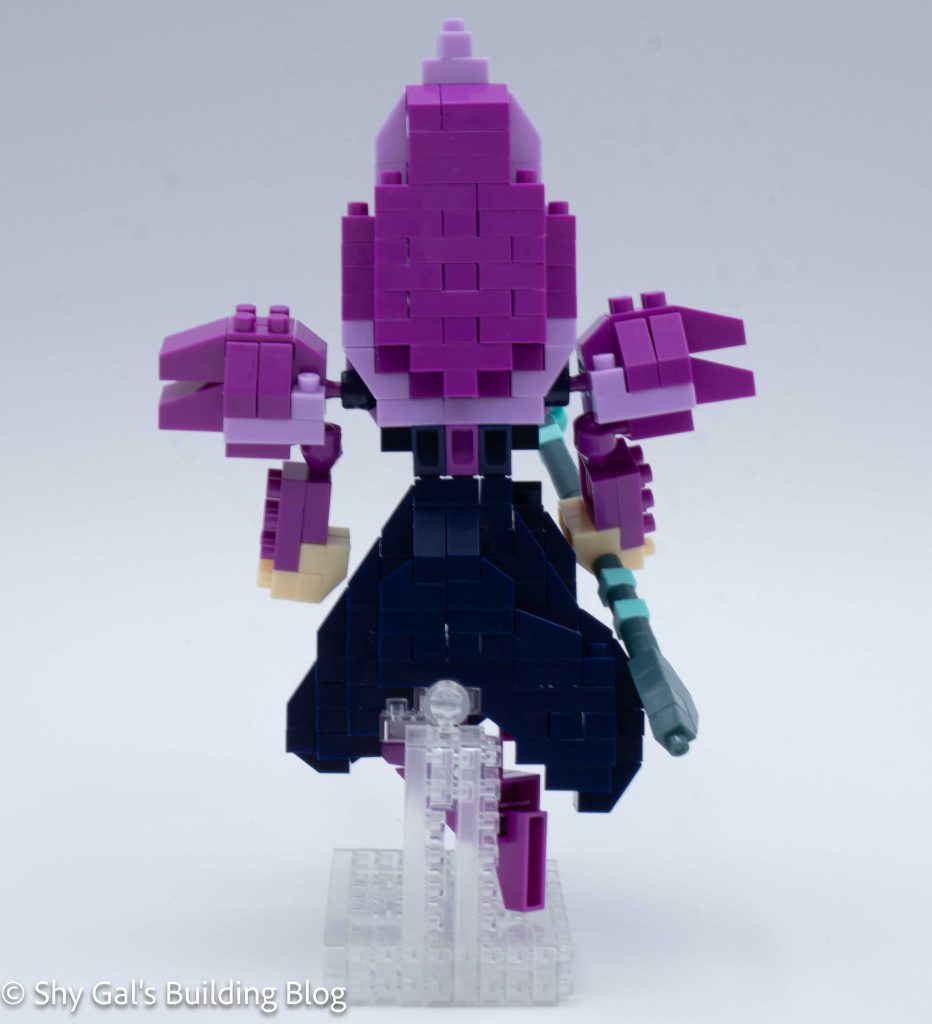
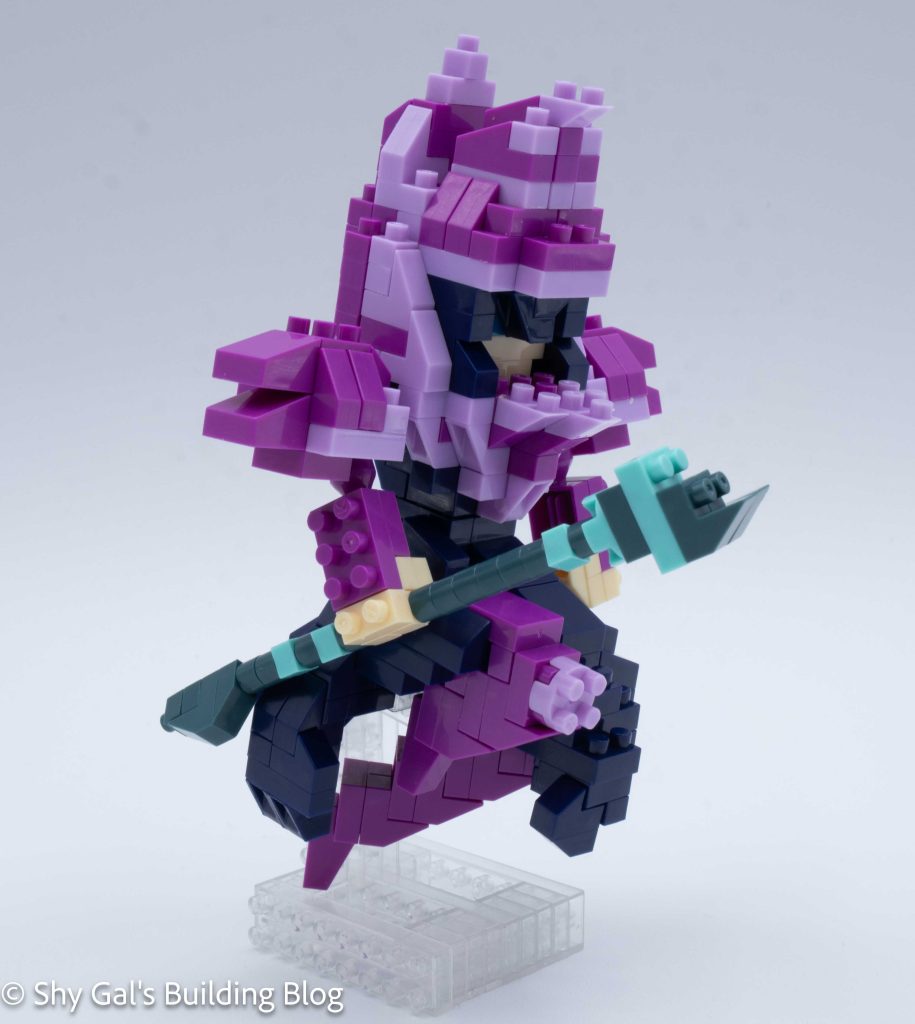
This post is a review of the nanoblock Kuromi build. Kuromi is part of the nanoblock Character collection. Wondering what else is part of the Character collection? Click here for a list.
Number: NBCC_179
Number of Pieces: 160
Difficulty Rating: 2/5
All of the details for Kuromi are in the head.
Kuromi begins with building the head. The first step creates the base of the head, and the next step locks everything into place. The rest of the top of the head goes up in straightforward layers.
Then, the head is flipped over, and a ton of detail is added. First, the nose is added. Then, the head is rounded out. Then, the details of Kuromi’s hood’s collar are added.
The next step is to build the body. Since there isn’t any detail, the steps are very straightforward.
Then, the head is attached to the body.
Next, the tail is added.
The final step is to build and attach the ears. I really like how the ears are at an angle.
Things I liked:
I like how the ears are at an angle
Things I didn’t like:
I wish they had used black bricks instead of light purple for Kuromi’s hood
This post may contain affiliate links, and I may earn a small commission at no cost to you. This commission allows me to give you more information about brick builds by enabling me to buy more sets. See my full disclosure here .
This post is a review of the nanoblock Acoustic Guitar build. Acoustic Guitar is part of the nanoblock Mini Collection series. Wondering what else is part of the Mini Collection? Click here for a list.
Number: NBC_096
Number of Pieces: 150
Difficulty Rating: 2/5
I began by laying the may layer of bricks on my nanoblock pad. It had a light brown front and a dark brown back.
I built the body of the guitar in layers. The layers added more details to make the guitar very recognizable. I was surprised that the sound hole in the center of the garage was hollow because it didn’t look that way in the pictures.
The next step was to add the neck. I really like the use of clear bricks to create strings because it adds depth to the strings.
The final step was to build the head of the guitar. I found these instructions slightly confusing for some reason, but I was able to build the head.
Things I liked:
I liked the use of clear bricks to represent the strings
I liked the fact that the guitar is hollow with a hole in the main body
Things I didn’t like:
I don’t love the random brown brick in the middle of the strings. In my head, the strings go all the way along without being interrupted
This post may contain affiliate links, and I may earn a small commission at no cost to you. This commission allows me to give you more information about brick builds by enabling me to buy more sets. See my full disclosure here .
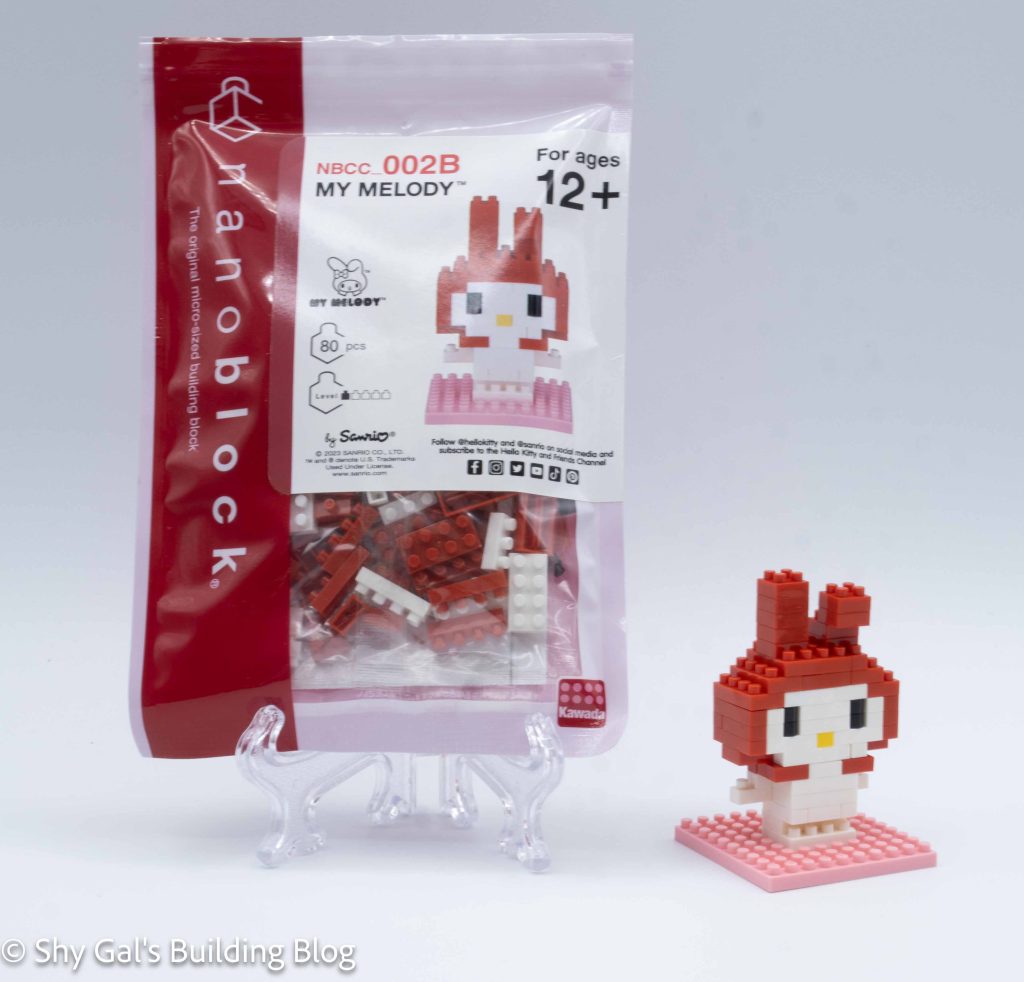
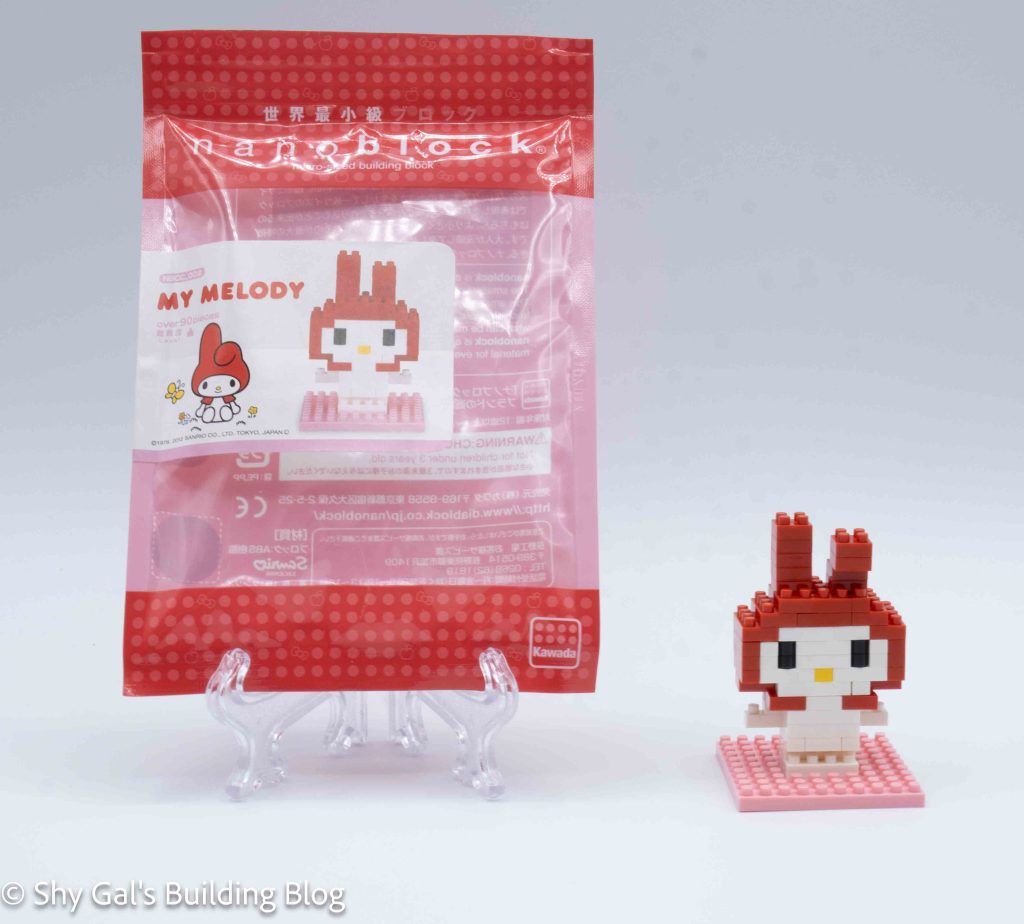
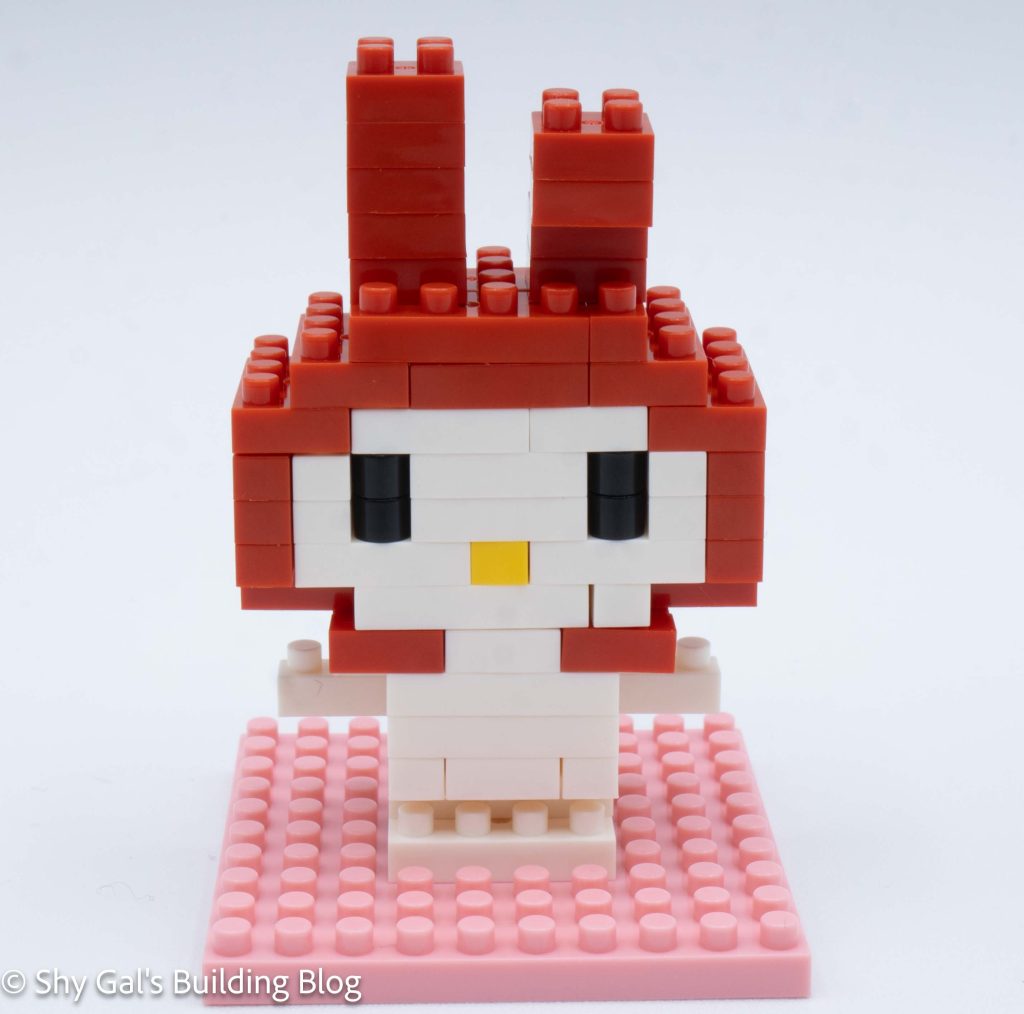
This post is a review of the nanoblock My Melody build. My Melody is part of the nanoblock Character collection. Wondering what else is part of the Character collection? Click here for a list.
Number: NBCC_178
Number of Pieces: 170
Difficulty Rating: 2/5
All of the details for this build are in My Melody’s head. Their body is very simple.
The build begins with creating the base couple layers of the head. Then more layers are added to make the main face and hood covering My Melody’s head.
Then you add her bow.
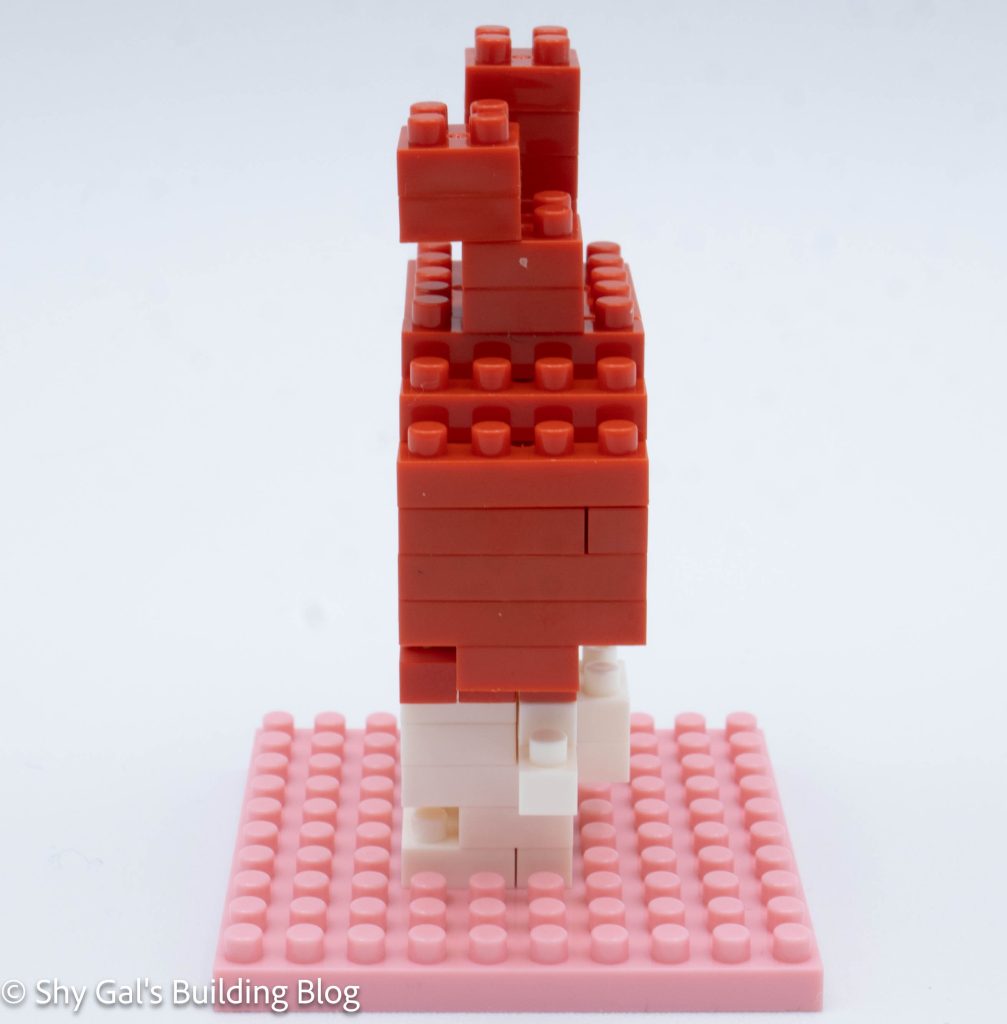
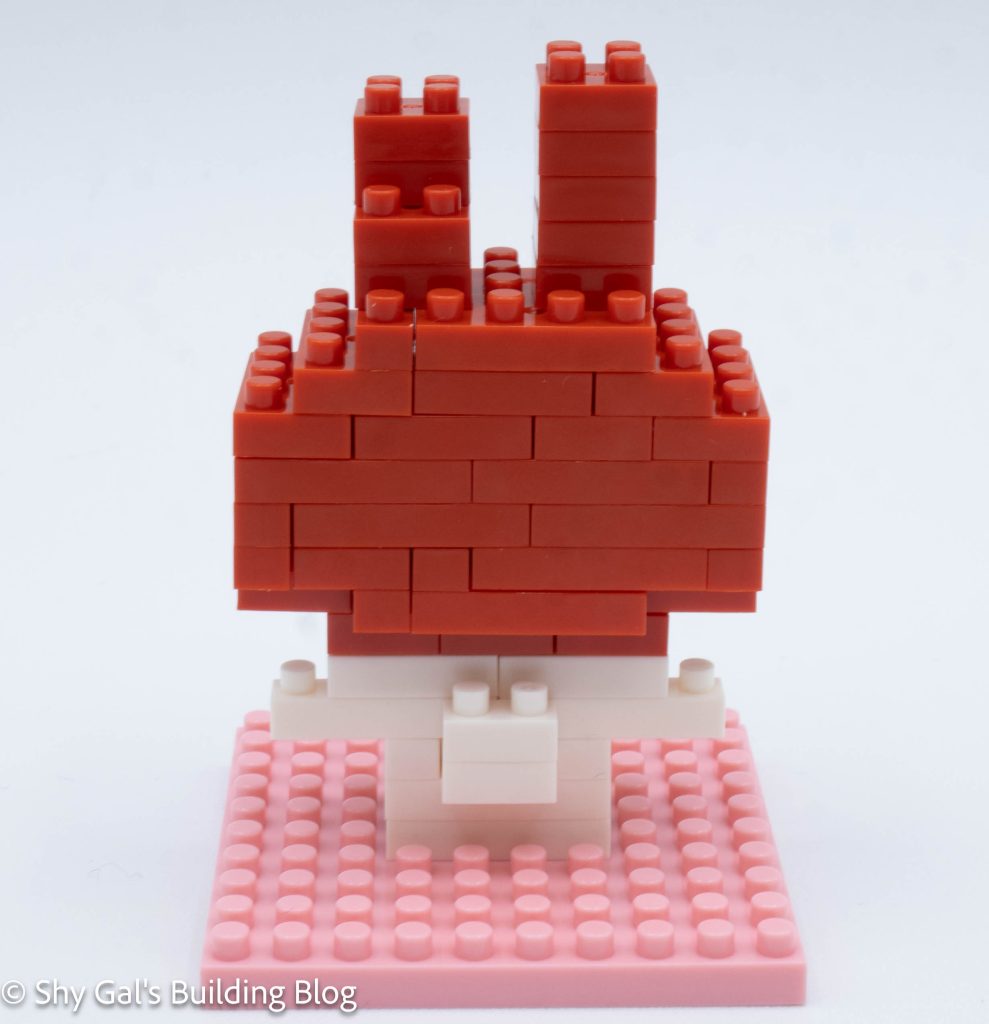
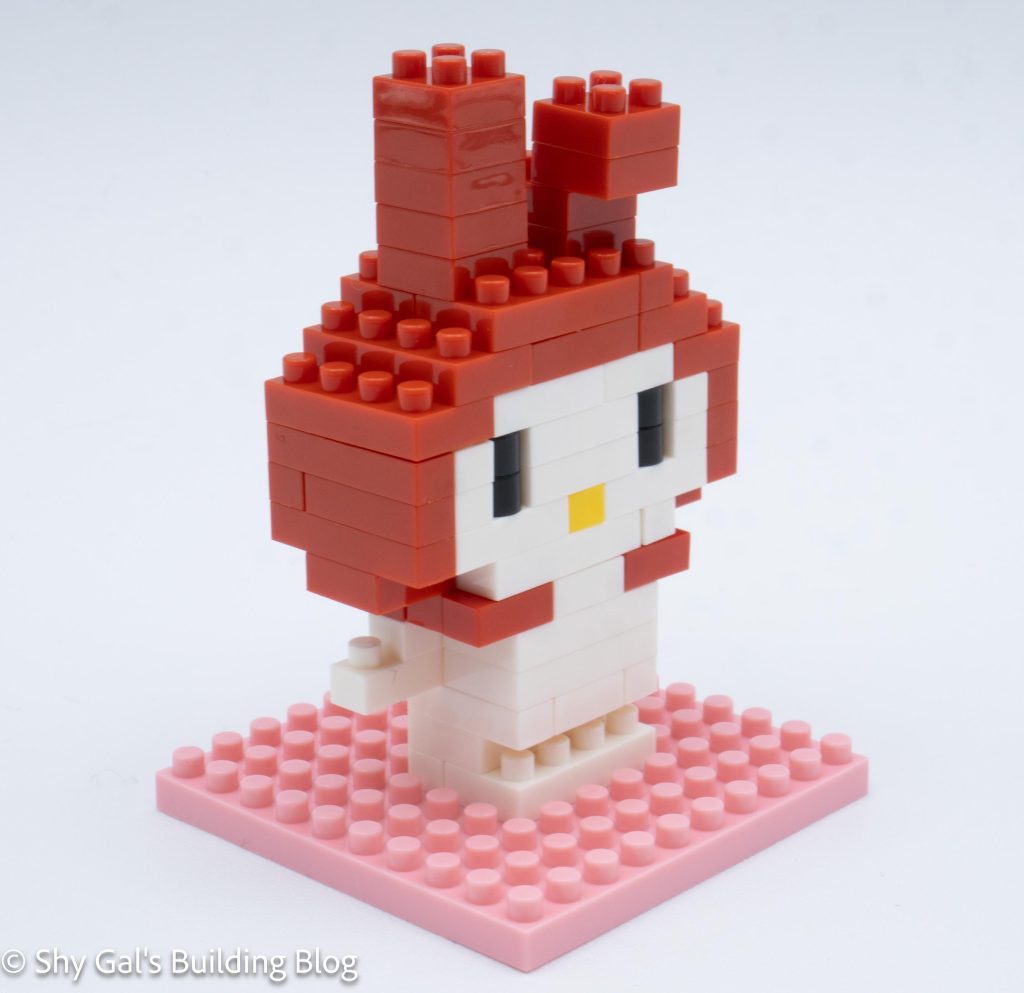
Then, you build the ears onto the head. First, you make the floppy ear. This ear looks a little funny, in my opinion, depending on the angle from which you look at it. Then, you build the ear that stands up.
The second section to build is the body. The body is very straightforward until the final layer. The final layer is a bit tricky because bits overhang and are placed on gap-filled platforms.
Then, the back of the arms and legs are added.
Next, the head is attached to the body.
The final step is to add the little tail.
Things I liked:
I like how the bow is created for My Melody
Things I didn’t like:
I don’t love how the ear falling forward looks. I think it looks a little stumpy
This post may contain affiliate links, and I may earn a small commission at no cost to you. This commission allows me to give you more information about brick builds by enabling me to buy more sets. See my full disclosure here .
This post is a review of the nanoblock Alto Saxophone build. Alto Saxophone is part of the nanoblock Mini Collection series. Wondering what else is part of the Mini Collection? Click here for a list.
Number: NBC_106
Number of Pieces: 120
Difficulty Rating: 1
I’m not sure I agree this is a level 1 difficulty. I found it more difficult than several of the 2/5 that I have completed.
The Alto Saxophone is built in several steps to create large chunks that are all connected in the end to finish the build.
The first section that is built is the body of the Alto Saxophone. A bunch of round bricks created the body. It was a bit tricky because the body rotates, but there isn’t a note in the instructions that says it gets rotated.
The next step is to build the neck and mouthpieces of the instrument. These steps were very straightforward and simple to build.
The next step is to build the bell in 2 sections. The first section is to build very straightforward. In the second section, I had difficulty figuring out what step one was. It was marked, but I still had difficulty figuring it out.
The next step is to build the stand for the Alto Saxophone. This was very straightforward.
Finally, I connected all the pieces to create a finished Alto Saxophone. I liked how the instrument is on an angle so it looks like it can be played.
Things I liked:
I like how the finished build is at an angle
Things I didn’t like:
I didn’t like how unclear step 12 was when I was building the instrument.
This post may contain affiliate links, and I may earn a small commission at no cost to you. This commission allows me to give you more information about brick builds by enabling me to buy more sets. See my full disclosure here .
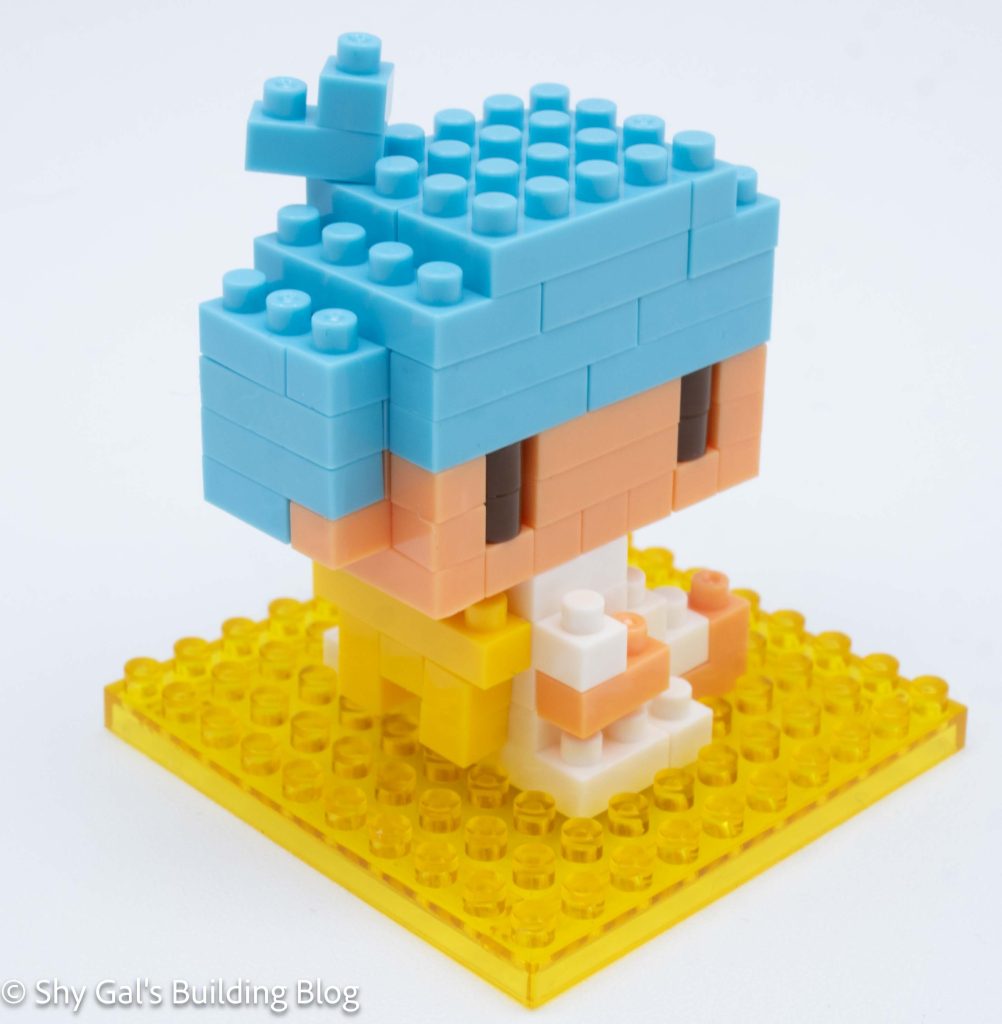
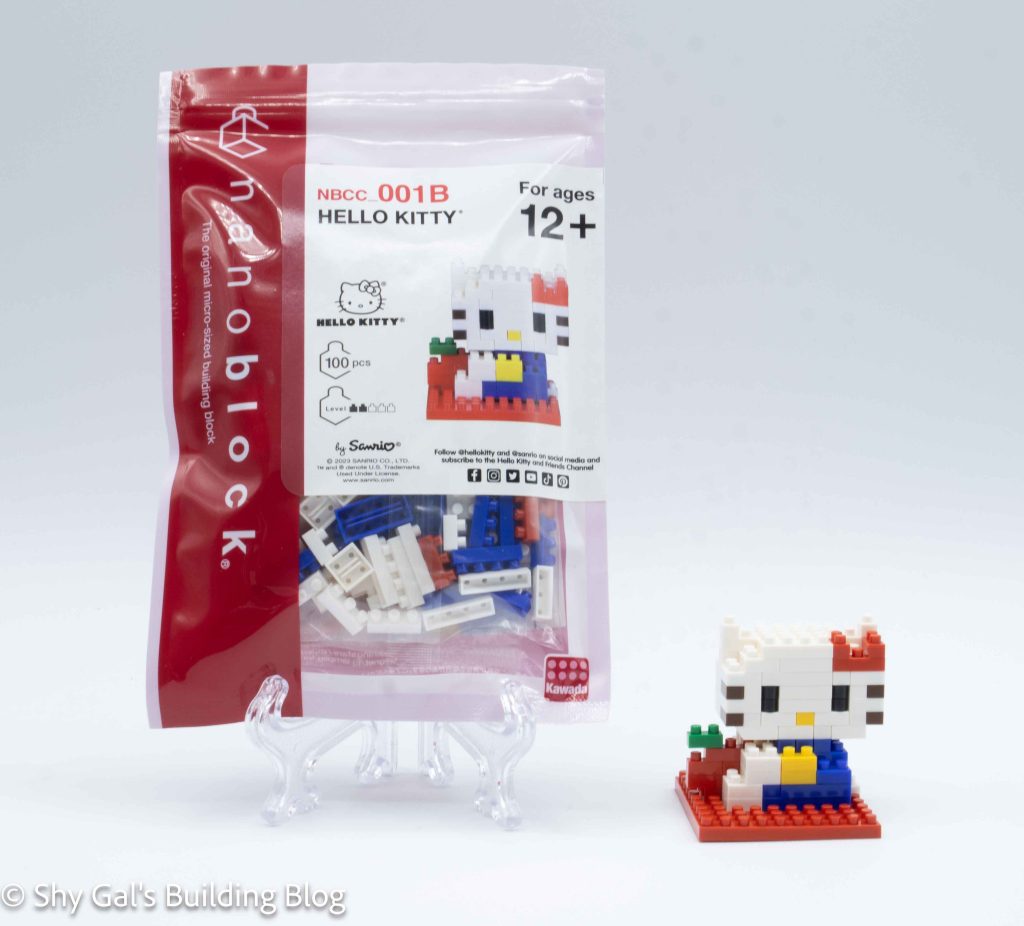
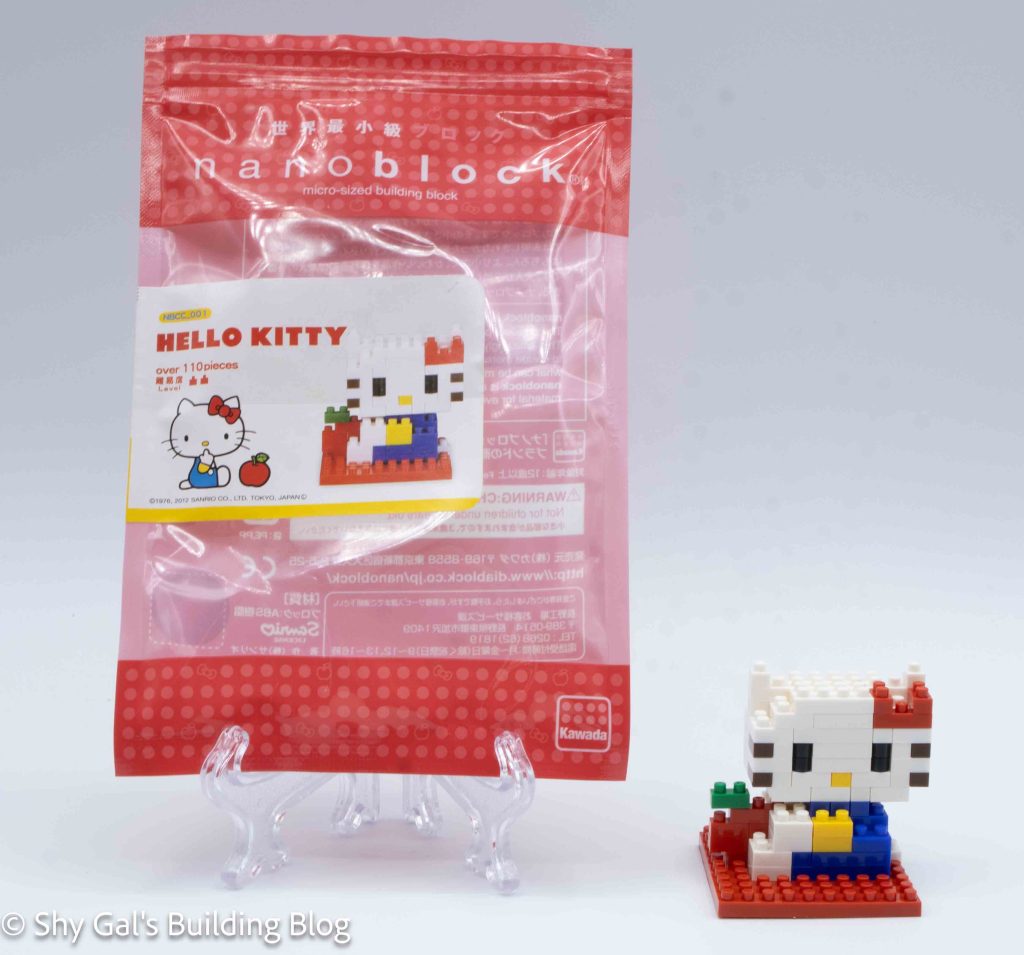
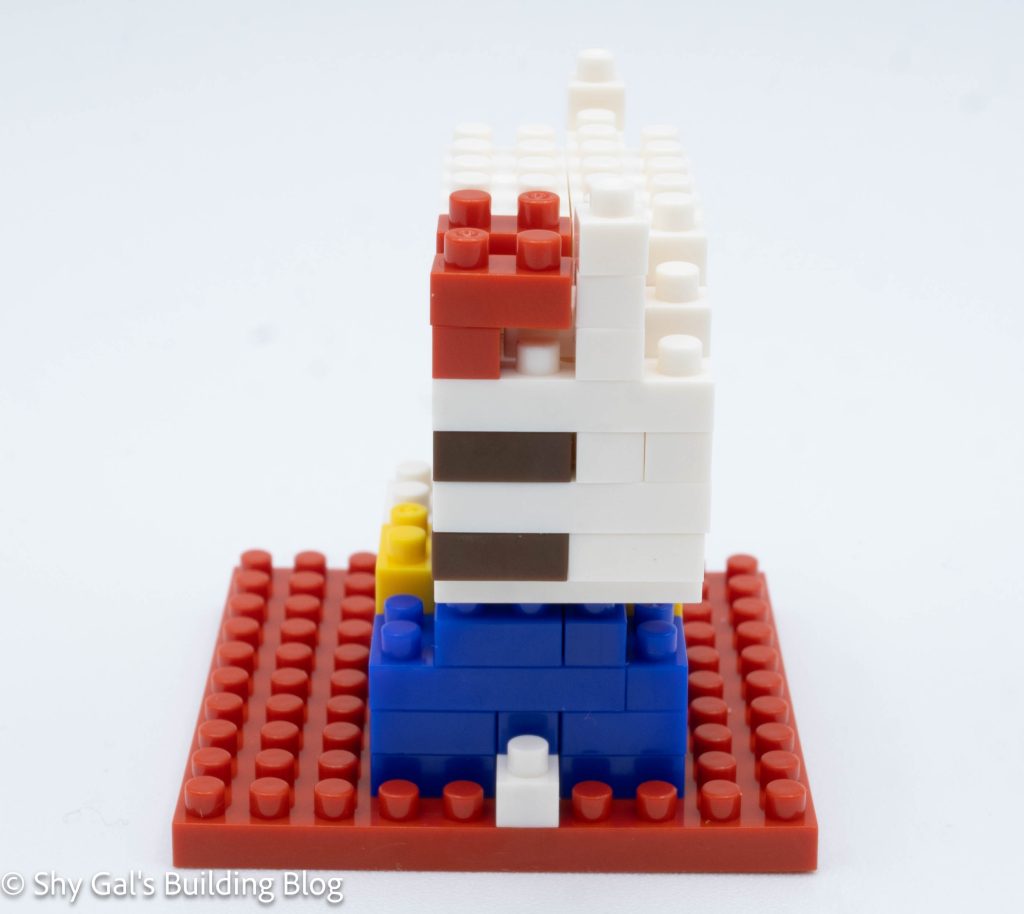
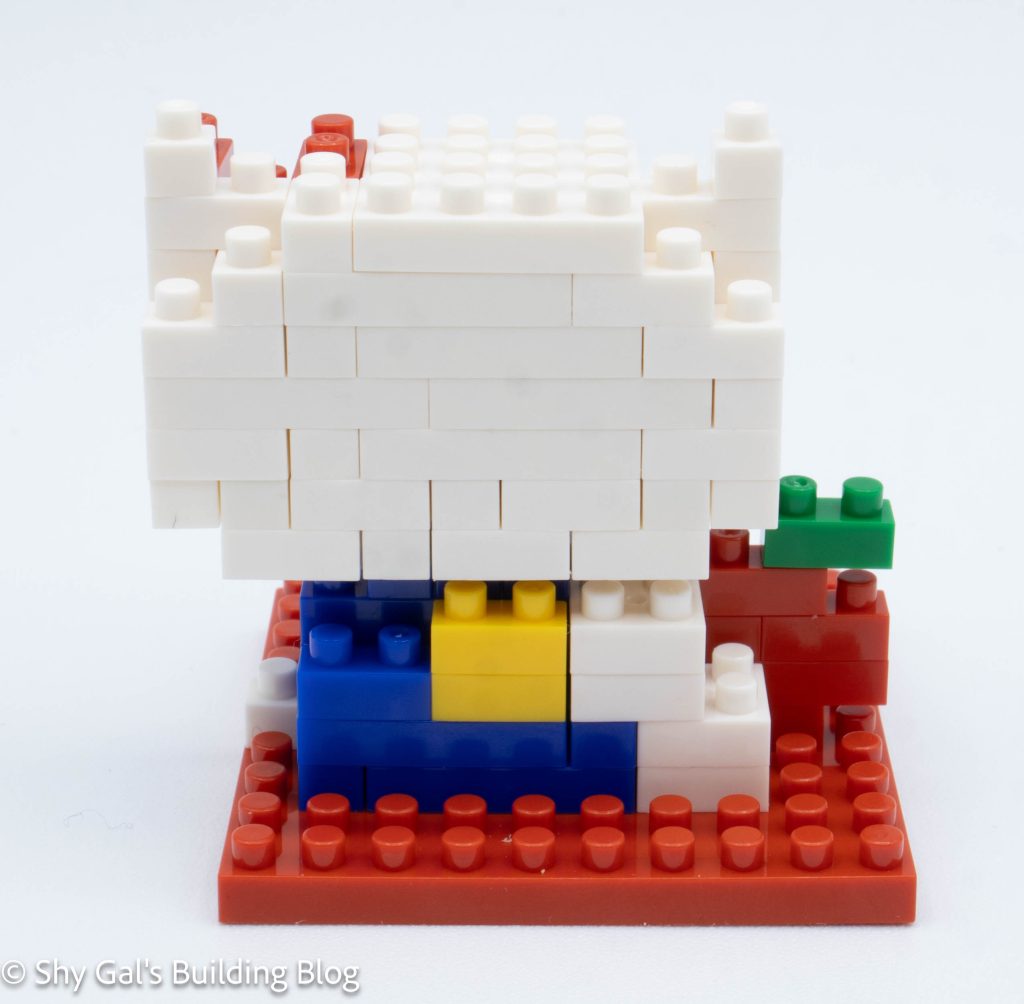
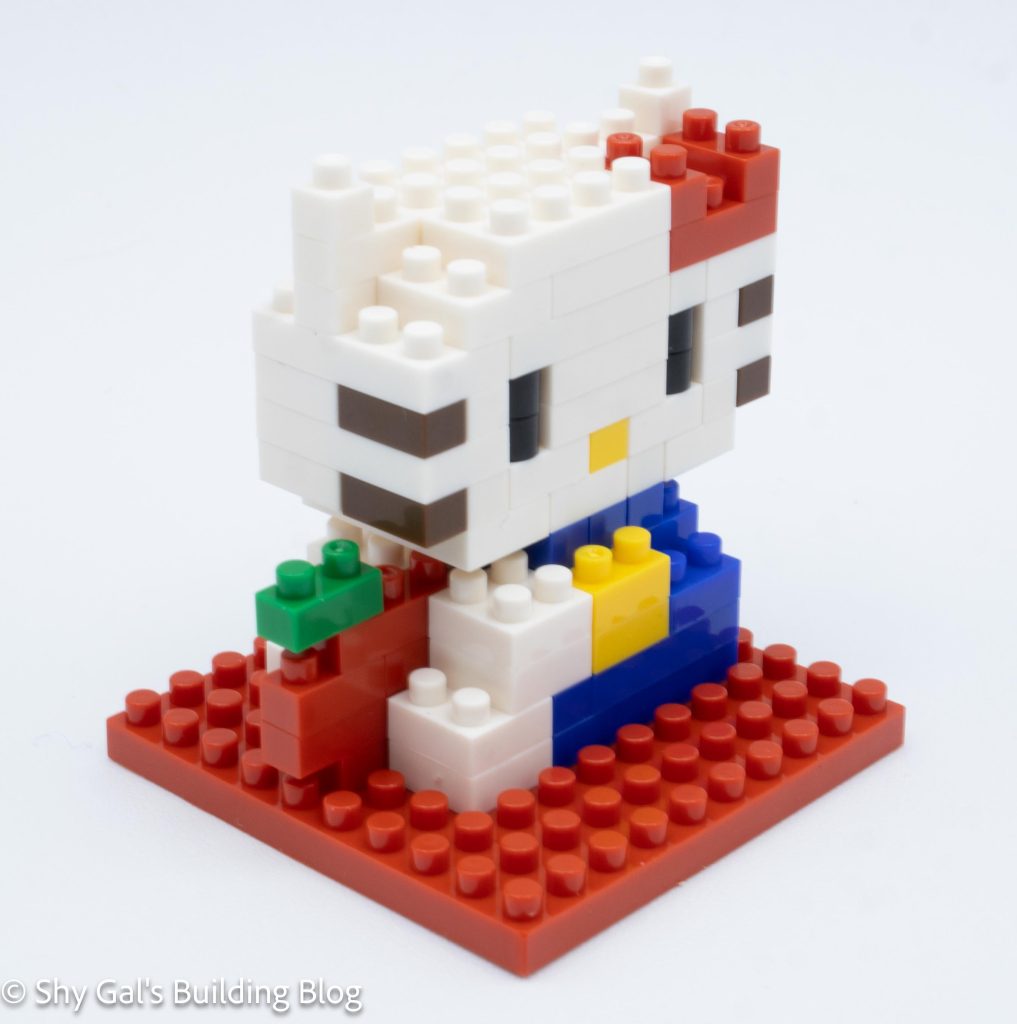
This post is a review of the nanoblock Hello Kitty build. Hello Kitty is part of the nanoblock Character collection. Wondering what else is part of the Character collection? Click here for a list.
Number: NBCC_177
Number of Pieces: 140
Difficulty Rating: 2/5
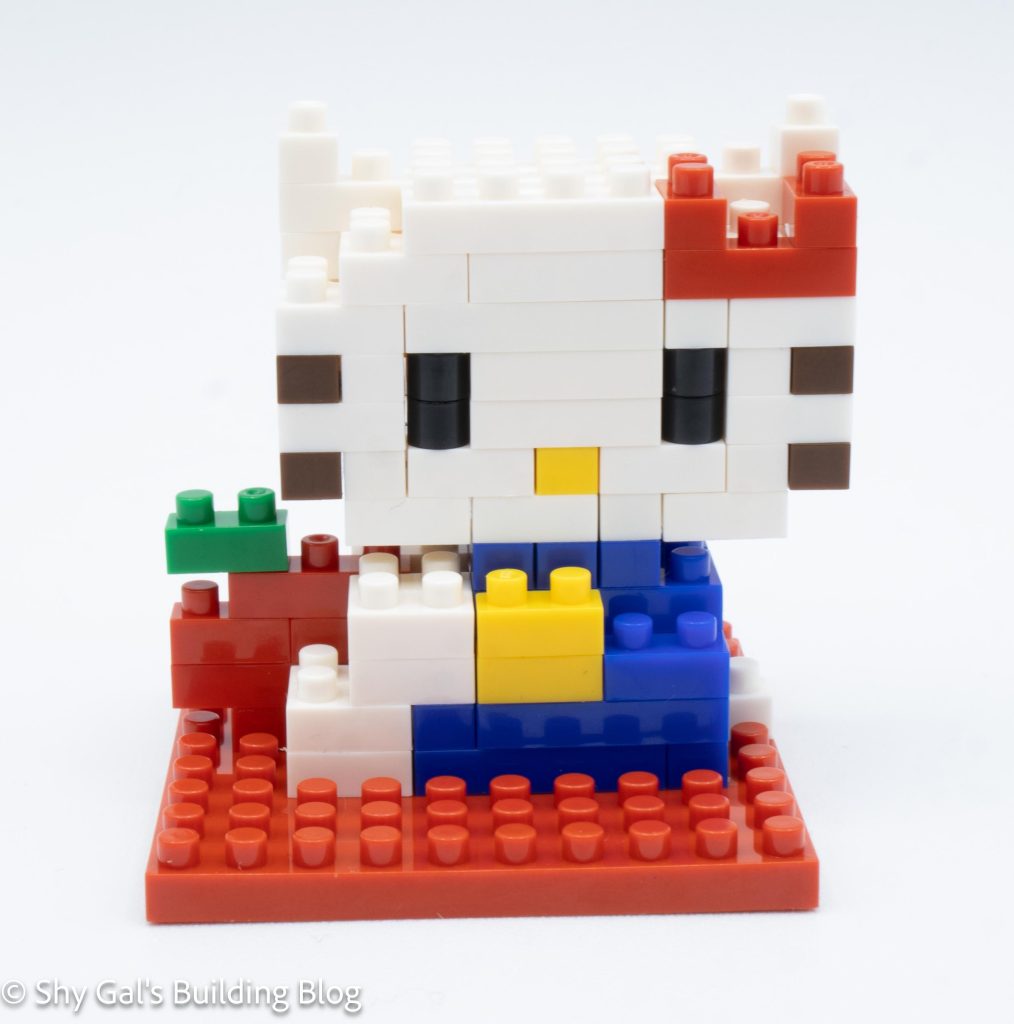
The build begins with building the head. The base layer takes a couple steps to complete. These steps include the eyes and nose.
The rest of the head goes up in straightforward layers.
The next major section is to build the body for Hello Kitty. This time, she is wearing blue overalls and a yellow shirt. The body is very straightforward.
Then, the head is attached to the body.
Next, Hello Kitty’s bow on her ear is added. I really like how the bow looks and the bricks that are used to create the bow.
The final step is to add Hello Kitty’s tail.
Things I liked:
I really like how rarely used bricks are used to create the bow
Things I didn’t like:
I’m not sure if I like the fact her nose is yellow. I think of her nose being white
This post may contain affiliate links, and I may earn a small commission at no cost to you. This commission allows me to give you more information about brick builds by enabling me to buy more sets. See my full disclosure here .
This post is a review of the nanoblock Nautilus build. Nautilus is part of the nanoblock Mini Collection series. Wondering what else is part of the Mini Collection? Click here for a list.
Number: NBC_192
Number of Pieces: 170
Difficulty Rating: 2/5
The Nautilus is an ancient distant relative of a squid. This is a very interesting build because it is built from the back, and the base is built into the finished build.
The build begins with a base layer that will become the back of the finished Nautilus. I laid the bricks out on my nanoblock pad.
The build goes up in very straightforward layers. The base is built off the Nautilus, added to the build, and locked into place in the next layers.
I had difficulty reading step 6 to see how the first layer was added. This is the layer where the eyes are added. Since all the bricks had an overhang on the layer before, it wasn’t clear how they were attached.
Then, I finished the main body of the Nautilus. The next several steps is adding the tentacles.
The last step is to flip the build onto its clear base so it looks like the Nautilus is floating.
Things I liked:
I like how it looks like the Nautilus is floating
Things I didn’t like:
I wish step 6 had been clearer for how to add the bricks to the build
This post may contain affiliate links, and I may earn a small commission at no cost to you. This commission allows me to give you more information about brick builds by enabling me to buy more sets. See my full disclosure here .
This post is a review of the nanoblock Clodsire RS build. Clodsire RS is part of the nanoblock Pokemon collection. Wondering what else is part of the Pokemon collection? Click here for a list.
Number: NBPM_R09
Number of Pieces: 490
Difficulty Rating: 3/5
This kit comes with 2 different builds. There is a model with the spines down and a model with the spines up. The build is identical until the final steps of adding the spines.
The build begins by laying out the base layer of bricks. I used my nanoblock pad. Over the first 15 steps, I created the base 2 layers of the build. I kept building small chunks that connected to the main base section.
After creating the base, Clodsire goes up in layers. Each layer includes at least 2 steps. First, there is the back section. Then there is the front section. The fact that each layer is split means that there aren’t too many bricks to add in a given step.
One of the hardest parts was figuring out which slanted pieces to use. Normally, when nanoblock uses the 2 slanted pieces in the photo of where to add parts, it marks which to use. Instead, in this kit, it says which slanted piece to use and which bricks to use in each step. It was only confusing because it is unusual.
Clodsire goes up in layers, adding the Camel and Brown bricks to each layer. The Brown bricks begin at the tail and flow into the front of the build.
Eventually, the front of the head is closed up and topped off with flat bricks.
Next, I built the feet and added them to the build.
This is where the build splits into 2 options. The difference is how the spines look.
If I didn’t want the spines raised, I was able to drop in 6 bricks that look like spots on Clodsire’s back.
If I wanted the spines raised, I built the spines. I needed to be careful because the direction of the bricks mattered to get the slants in the spines correct.
Things I liked:
I like that there are 2 models, even though it meant I needed to buy 2 kits
Things I didn’t like:
The bottom section of the mouth kept popping out of place, which was frustrating
This post may contain affiliate links, and I may earn a small commission at no cost to you. This commission allows me to give you more information about brick builds by enabling me to buy more sets. See my full disclosure here .
This post is a review of the nanoblock Rabbit build. Rabbit is part of the nanoblock Mini Collection series. Wondering what else is part of the Mini Collection? Click here for a list.
Number: NBC_179
Number of Pieces: 120
Difficulty Rating: 2/5
This kit began by laying the base layer on my nanoblock pad. The base layer was grey.
The body goes up in straightforward layers. After a few layers, white is added to create the neck of the rabbit.
The next step is to build and attach the head. Once again, I started working on my nanoblock pad. I added the nose, eyes, and ears as the head goes up in layers. Then, I flipped the head over and attached bricks to build more of the neck.
Then, I attached the head to the body of the rabbit.
The last section is to build the flowers. I found keeping the flowers square to be a bit tricky because of the rounded bricks.
Things I liked:
I like how the rabbit has the white collar and the added details
Things I didn’t like:
I don’t love how the rabbit’s ears look. It was ok from the front, but the pink wouldn’t be visible from the back
This post may contain affiliate links, and I may earn a small commission at no cost to you. This commission allows me to give you more information about brick builds by enabling me to buy more sets. See my full disclosure here .
This post is a review of the nanoblock Tandemaus RS build. Tandemaus RS is part of the nanoblock Pokemon collection. Wondering what else is part of the Pokemon collection? Click here for a list.
Number: NBPM_R08
Number of Pieces: 370
Difficulty Rating: 3/5
Tandemaus is a Pokemon that is made up of 2 mice. They appear identical from a distance, but up close, one is wearing a shirt and the other is wearing pants.
The first step is to build 2 identical heads. I built the heads simultaneously by adding bricks to each head every step.
The build begins by creating a base segment of bricks that is 2 layers high. It takes 5 steps to complete the head.
Then I added the eyes and nose to the head.
Next, I built up the back of the head in straightforward layers.
Then I built the ears off the head chunks. I needed to build a total of 4 ears. Then I attached the ears to the heads.
Next, I followed a few steps to create the front of the head.
Then it was time to build the different bodies. They are very similar, but there are steps that are different in the build.
First, I built the body that is wearing pants. It began with a base layer I laid out on my nanoblock pad. I then added a couple of layers to the body.
Then I added the pieces to balance the build and to attach the tail.
Then I added the legs. Next, I attached the head.
Then I built the arms and attached them to the body.
Finally, I built and attached the tail.
Second, I built the body that is wearing a shirt. It began with a base layer I laid out on my nanoblock pad. I then added a couple of layers to the body.
Then I added the pieces to balance the build and to attach the tail.
Then I added the legs. Next, I attached the head.
Then I built the arms and attached them to the body.
Finally, I built and attached the tail.
Things I liked:
I like that the bodies are not identical and that there is a bit of variation
Things I didn’t like:
The eyes aren’t held in super strongly, so I kept popping them off while I was building the head
This post may contain affiliate links, and I may earn a small commission at no cost to you. This commission allows me to give you more information about brick builds by enabling me to buy more sets. See my full disclosure here .
This post is a review of the nanoblock Sea Otter build. Sea Otter is part of the nanoblock Mini Collection series. Wondering what else is part of the Mini Collection? Click here for a list.
Number: NBC_110
Number of Pieces: 90
Difficulty Rating: 2/5
Based on the sign, I believe this kit was only available at the Osaka Aquarium.
This is a very unusual build because the final build isn’t attached to the base.
I began the build by laying out the body on my nanoblock pad. The body went up in straightforward layers. I also attached the tail as well.
Then I flipped the build over and added the clam and legs.
Next, I built and added the head. I also added the paws.
The final step was to place the stand on the base. Then I added the otter to the base on its back, but it didn’t connect it just lay on the stand.
I also built the sign for the Osaka Aquarium.
Things I liked:
I really like how the body of the otter looks, and I feel that that body does look like an otter
Things I didn’t like:
I feel that the finished head looks funny. Maybe I didn’t get it posed well