This post may contain affiliate links, and I may earn a small commission at no cost to you. This commission allows me to give you more information about brick builds by enabling me to buy more sets. See my full disclosure here .
This post is a review of the nanoblock Pokemon Quest Bulbasaur build. Pokemon Quest Bulbasaur is part of the nanoblock Pokemon collection. Wondering what else is part of the Pokemon collection? Click here for a list.
Number: NBPM_039
Number of Pieces: 50
Difficulty Rating: 1/5
I began by laying the base layer of bricks out on my nanoblock pad.
Bulbasaur went up in layers. After a couple of layers, dark green spots were added to the side.
In the next step, I began working on the bulb in addition to the head.
The head and body went up several layers. Eventually, I added the ears and closed up the bulb.
Then a bulb tip was added to the build.
Next, I added the 4 feet.
The final step is to attach the sticker that has Bulbasaur’s face on it.
Things I liked:
I like the detail of the darker green spots on the sides
Things I didn’t like:
I wish the build didn’t have a sticker, but it is required for the face
This post may contain affiliate links, and I may earn a small commission at no cost to you. This commission allows me to give you more information about brick builds by enabling me to buy more sets. See my full disclosure here .
This post is a review of the nanoblock Donko build. Donko is part of the nanoblock Character collection. Wondering what else is part of the Character collection? Click here for a list.
Number: NBCC_227
Number of Pieces: 180
Difficulty Rating: 2/5
I think that Donko is one of the Donki mascots for the mega stores in Japan. I’m not sure, but there is a link to donki.com’s official character page on the directions.
The build begins by laying a base layer of bricks out. I used my nanoblock pad. Over the first couple of steps, the base is enlarged and creates the solid base of the build and Donko’s feet.
The Donko build goes up in straightforward layers, tracing around the outline of the build. Wings, eyes, and a beak are added, sticking out from the outline.
The build begins to narrow after the eyes, and the head is closed up. At the same time, the puff on the hat is added.
Creating the base of the hat was a bit tricky because I wasn’t completely sure where each brick went, because there was so much overhang.
After the white hat base layer, the purple is very straightforward to build and close up the hat.
My finished build doesn’t exactly match the box because I didn’t put on the stickers. I generally don’t put stickers on my build because it means I can’t take the build apart for storage.
Things I liked:
I went to the Donki site and looked at Donko, and I feel that the build does a good job of capturing her
Things I didn’t like:
I was disappointed that this kit included stickers because nanoblock has been doing so many printed bricks
This post may contain affiliate links, and I may earn a small commission at no cost to you. This commission allows me to give you more information about brick builds by enabling me to buy more sets. See my full disclosure here .
This post is a review of the nanoblock Pokemon Quest Charmander build. Pokemon Quest Charmander is part of the nanoblock Pokemon collection. Wondering what else is part of the Pokemon collection? Click here for a list.
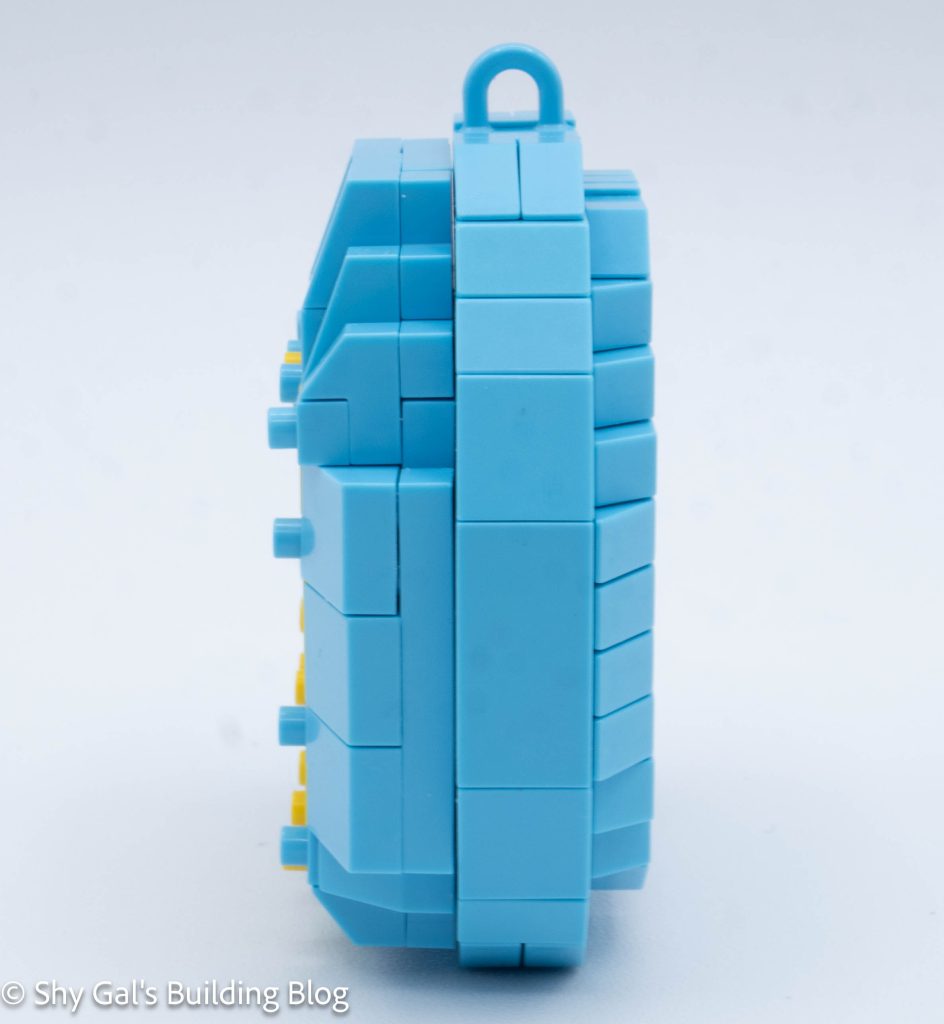
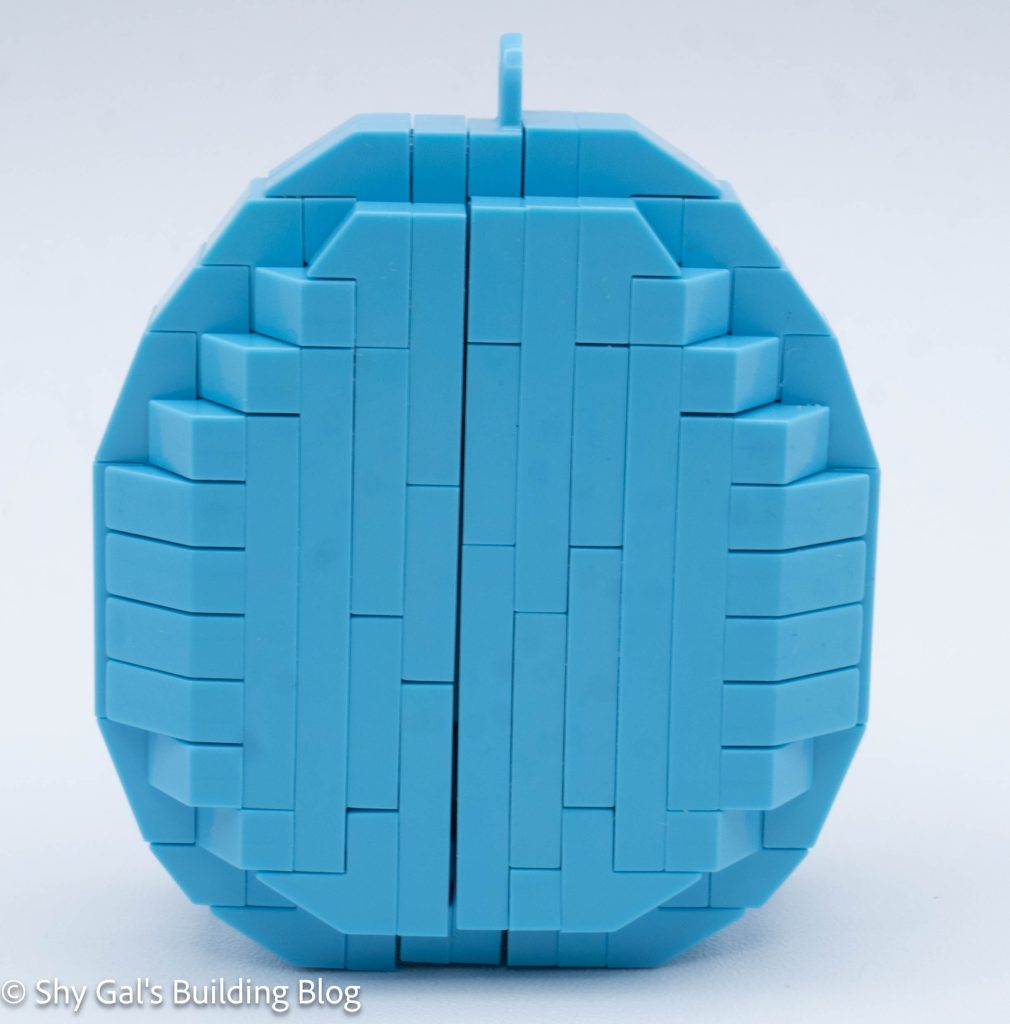
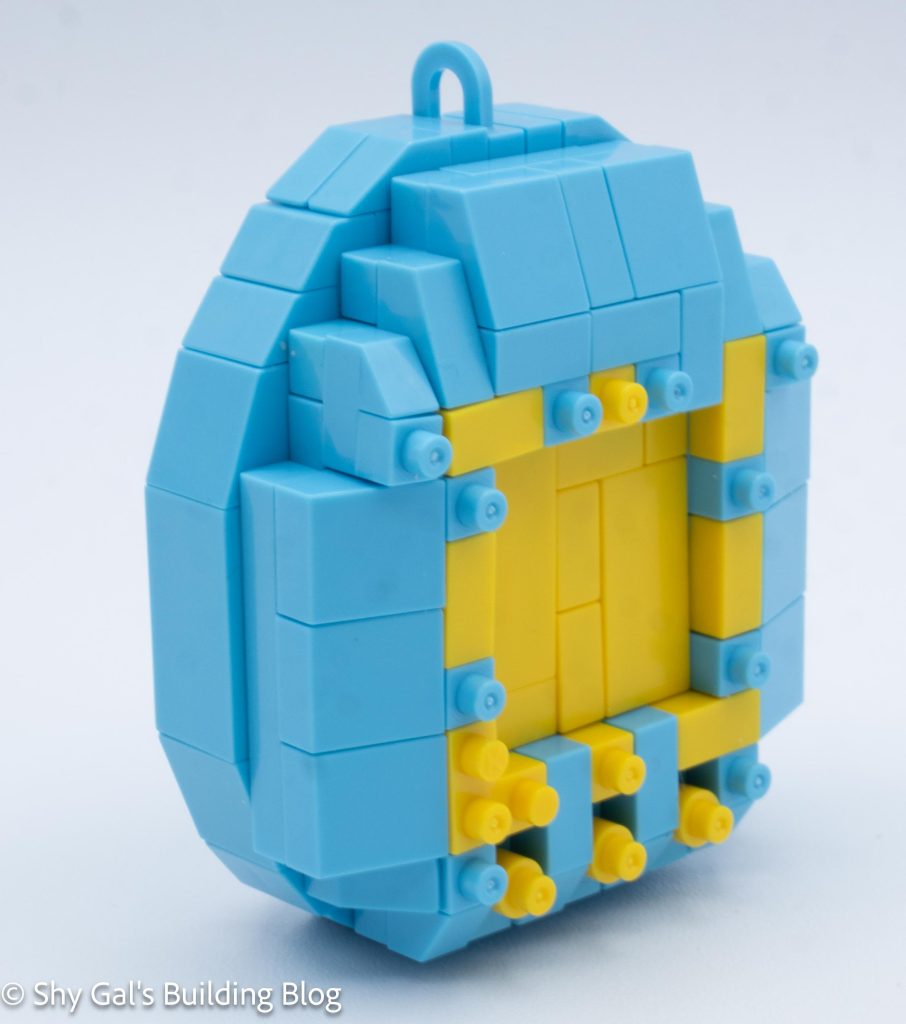
Number: NBPM_038
Number of Pieces: 100
Difficulty Rating: 2/5
I began the build by laying out the bricks on my nanoblock pad.
The body goes up in layers, with the stomach being traced around in orange bricks.
Then I built the layer with the arms and created the base for the head.
Then I built Charmander’s head in simple layers.
Then I built the flame on the tail.
I added the legs and a support so that the final build can stand.
The final step is to attach the stickers that have Charmander’s face on them.
Things I liked:
I liked how simple the build was
Things I didn’t like:
I wish the build didn’t have stickers, but it is required for the face
This post may contain affiliate links, and I may earn a small commission at no cost to you. This commission allows me to give you more information about brick builds by enabling me to buy more sets. See my full disclosure here .
This post is a review of the nanoblock Rilakkuma build. Rilakkuma Onigiri is part of the nanoblock Character collection. Wondering what else is part of the Character collection? Click here for a list.
Number: NBCC_172
Number of Pieces: 170
Difficulty Rating: 2/5
This kit is made up of 2 parts. There is the Rilakkuma rice ball and a red ball that I’m not sure what it is supposed to be.
The first section is the actual Rilakkuma onigiri. It begins with a base layer of black and white.
After building 4 layers, it is time to start building Rilakkuma. It’s a face with white on on the other 3 sides. There is a custom-printed brick to create Rilakkuma’s nose.
Then the rice ball was closed up using white bricks.
The final step is to add the ears on top of the riceball.
The second section is to build the red ball. I flipped around the first step, so I had to redo it a couple of times. Other than that, the entire ball was extremely straightforward.
Things I liked:
I like the custom-printed nose brick
Things I didn’t like:
Since I’m not sure what the red thing is supposed to be so I think it could be left off
This post may contain affiliate links, and I may earn a small commission at no cost to you. This commission allows me to give you more information about brick builds by enabling me to buy more sets. See my full disclosure here .
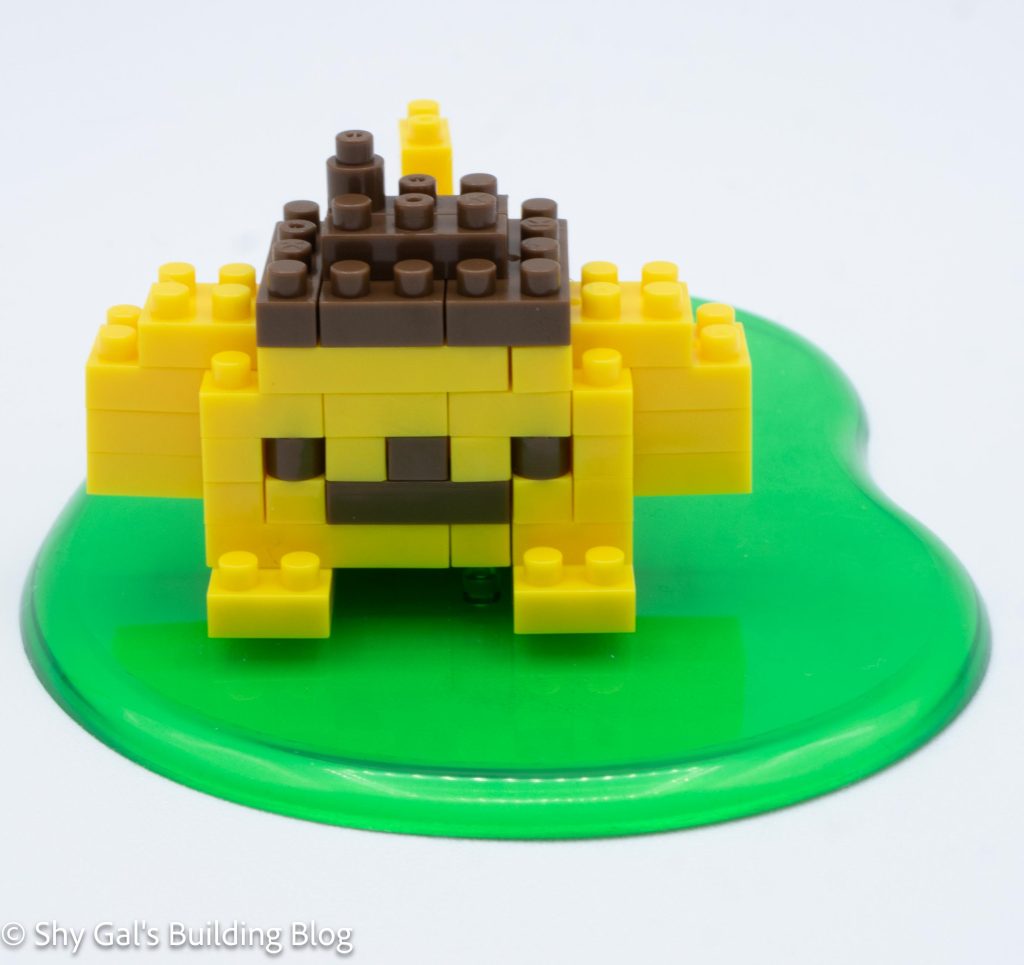
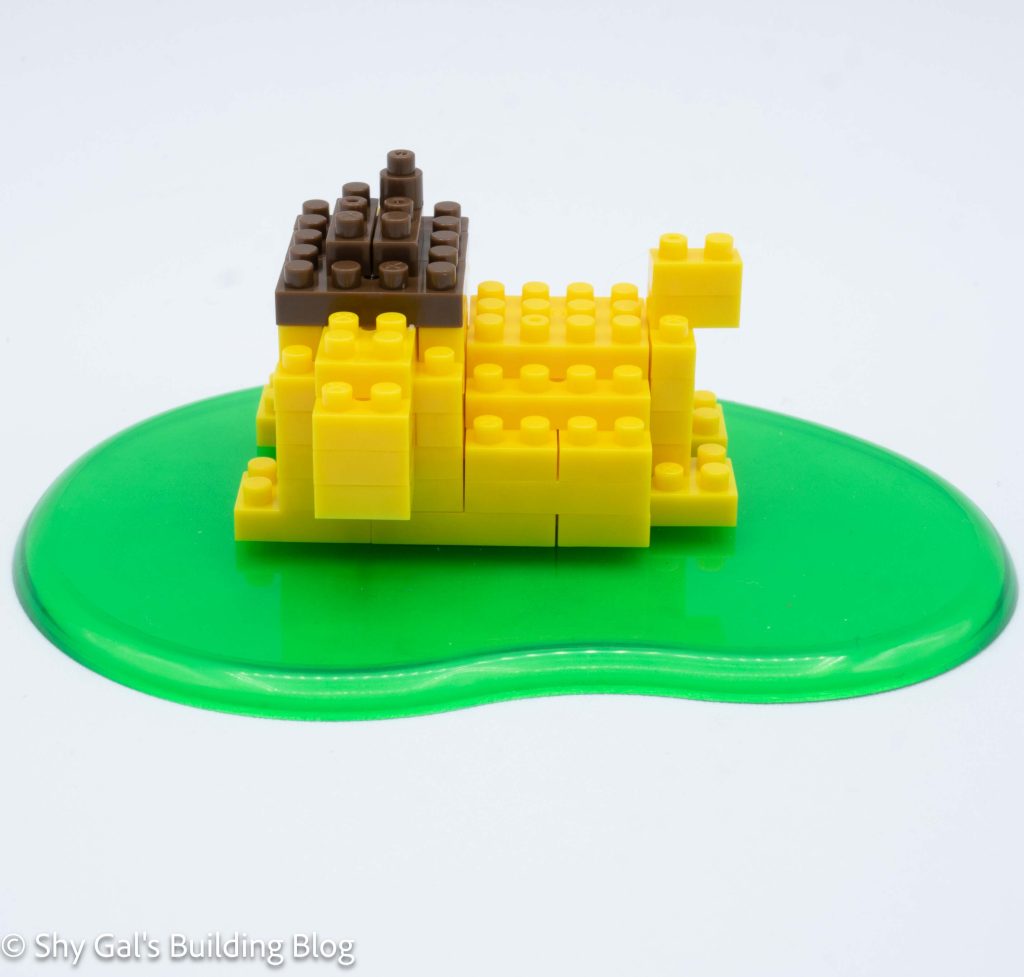
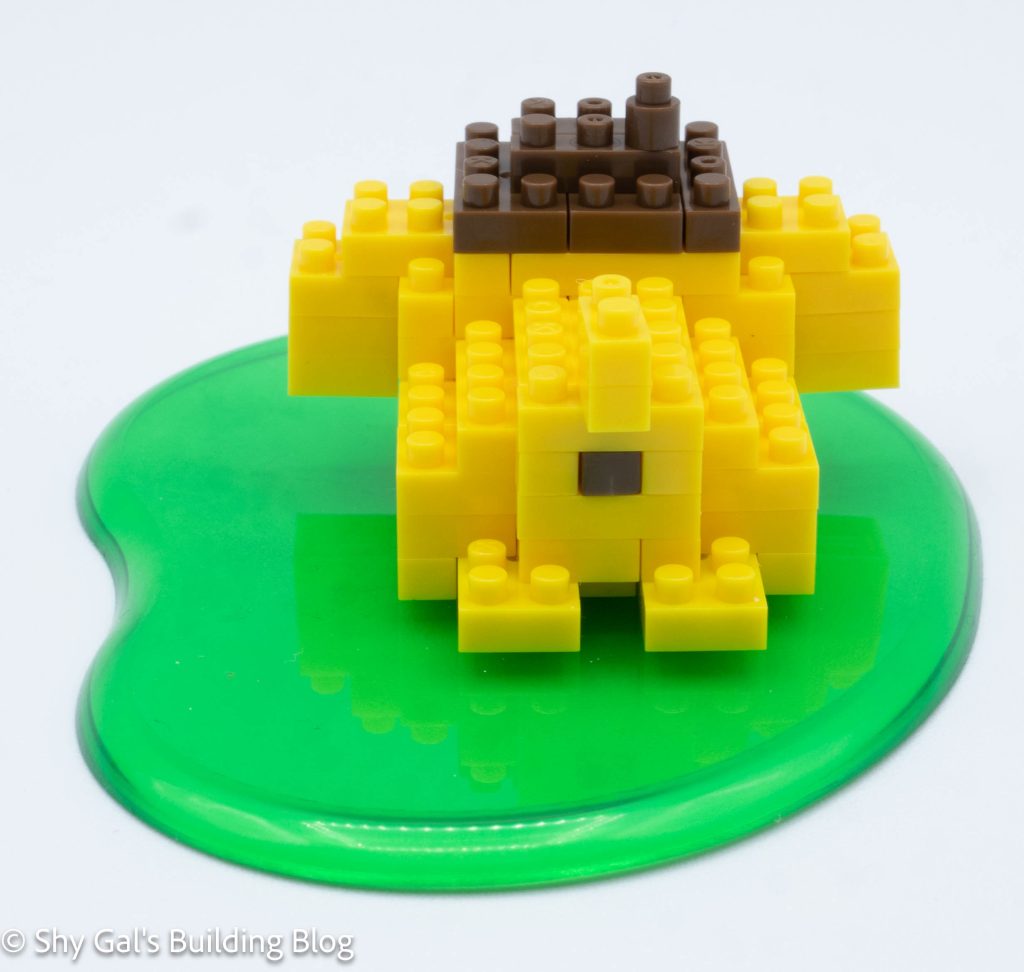
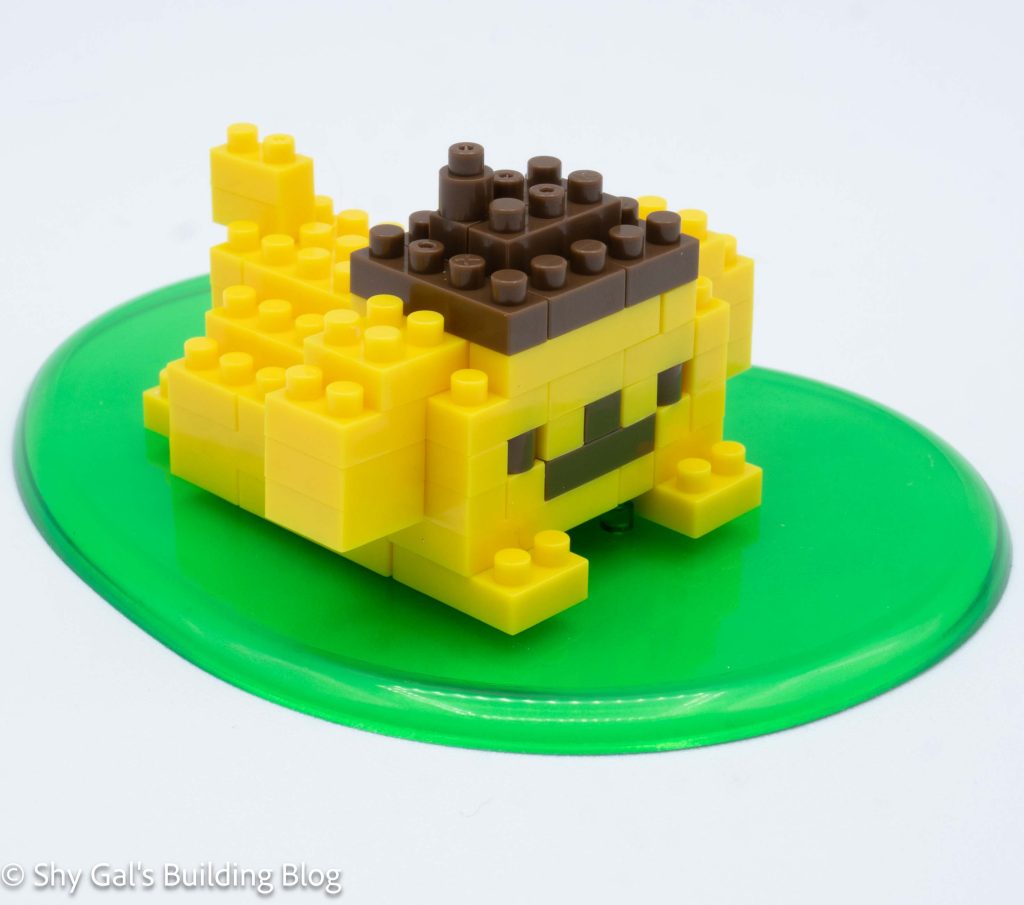
This post is a review of the nanoblock Pokemon Quest Pikachu build. Pokemon Quest Pikachu is part of the nanoblock Pokemon collection. Wondering what else is part of the Pokemon collection? Click here for a list.
Number: NBPM_037
Number of Pieces: 60
Difficulty Rating: 2/5
Pikachu is basically a cube with a tail, ears, and legs attached.
I began by laying the base layer of bricks out on my nanoblock pad.
I then added the next couple of layers of yellow bricks.
Once I added the brown, I also added the bricks for the hidden tail attachment.
Next, I built and attached the tail.
Then I added the top layer of the cube that acts as Pikachu’s body.
Next, I added the ears. Then I added the legs
The final step is to attach the sticker that has Pikachu’s face on it.
Things I liked:
I liked how simple the build was. I think it should have been a level 1 difficulty
Things I didn’t like:
I wish the build didn’t have a sticker, but it is required for the face
This post may contain affiliate links, and I may earn a small commission at no cost to you. This commission allows me to give you more information about brick builds by enabling me to buy more sets. See my full disclosure here .
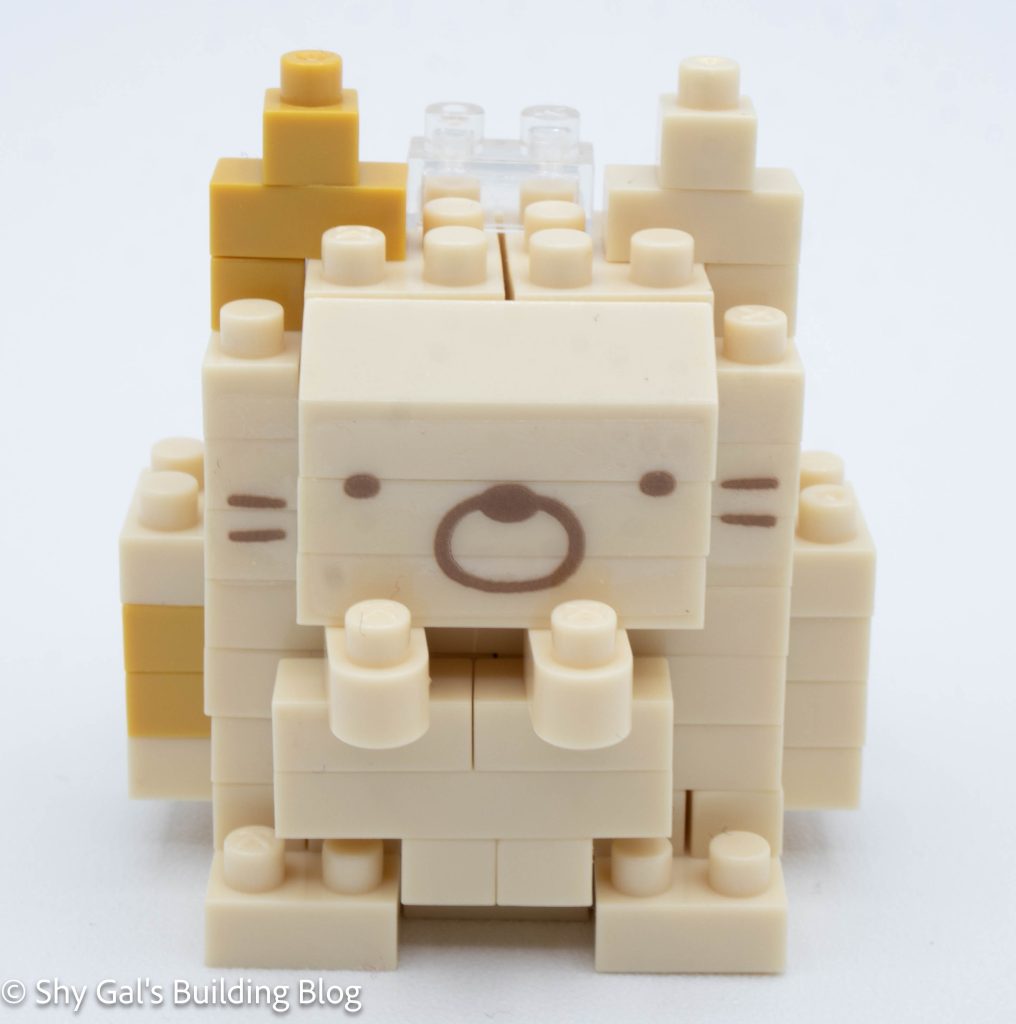
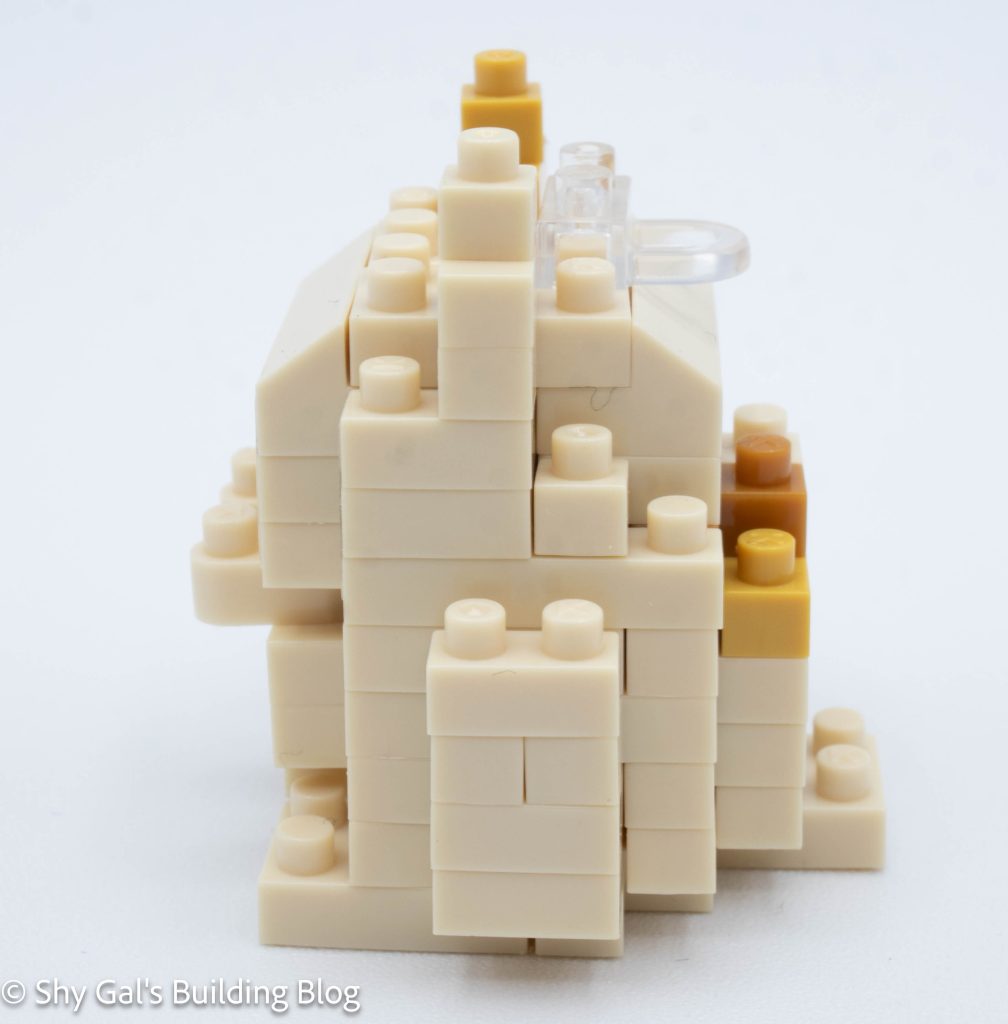
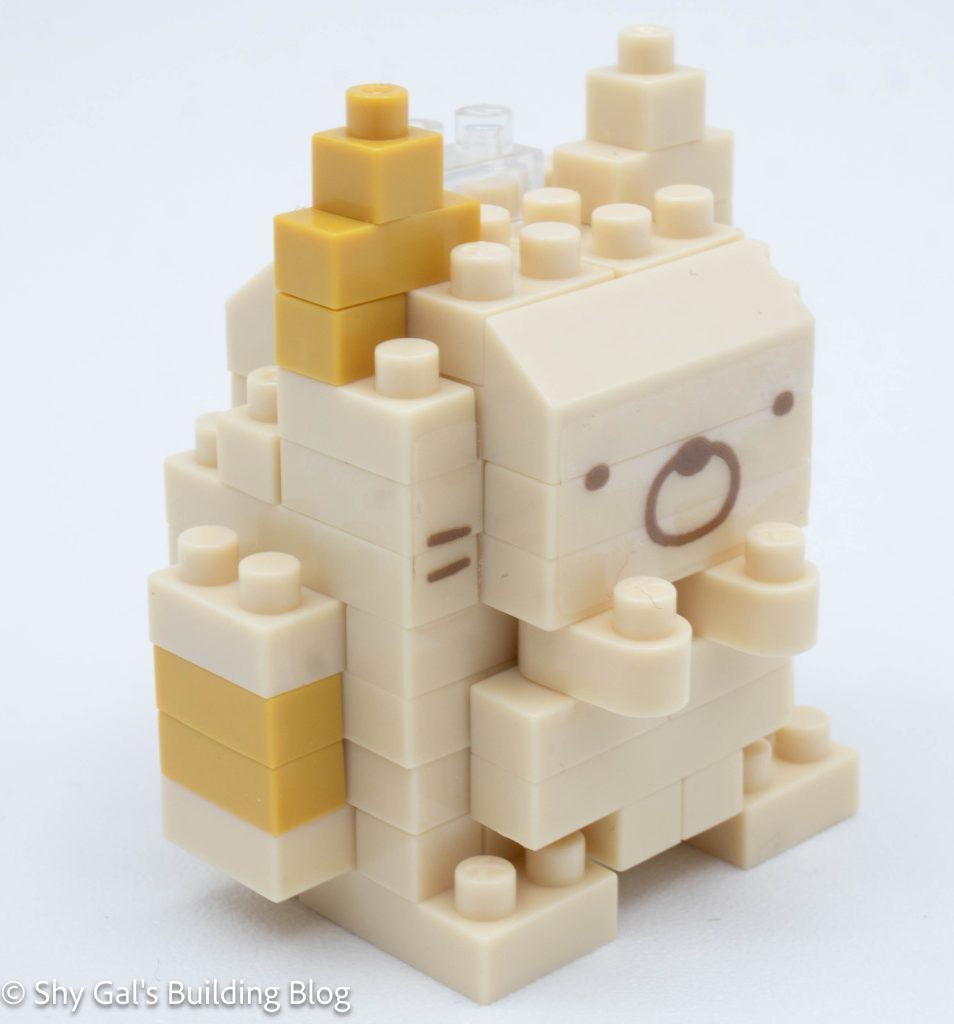
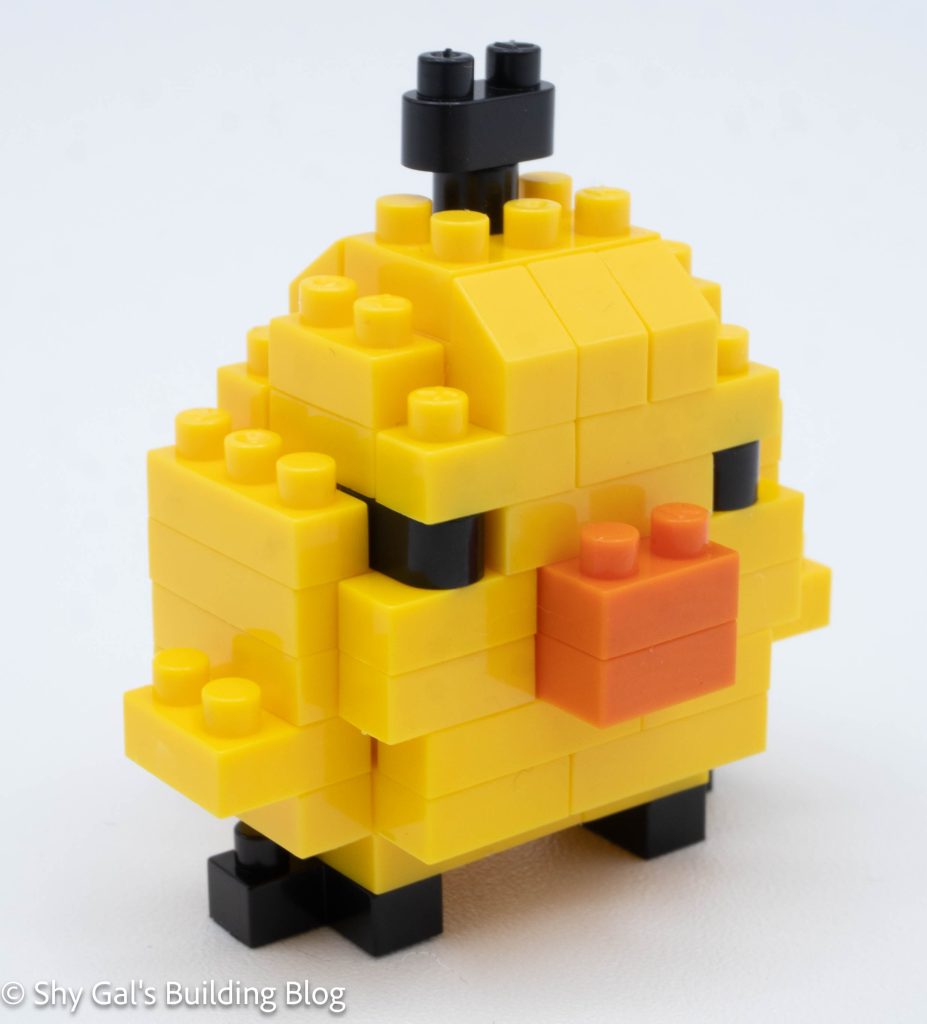
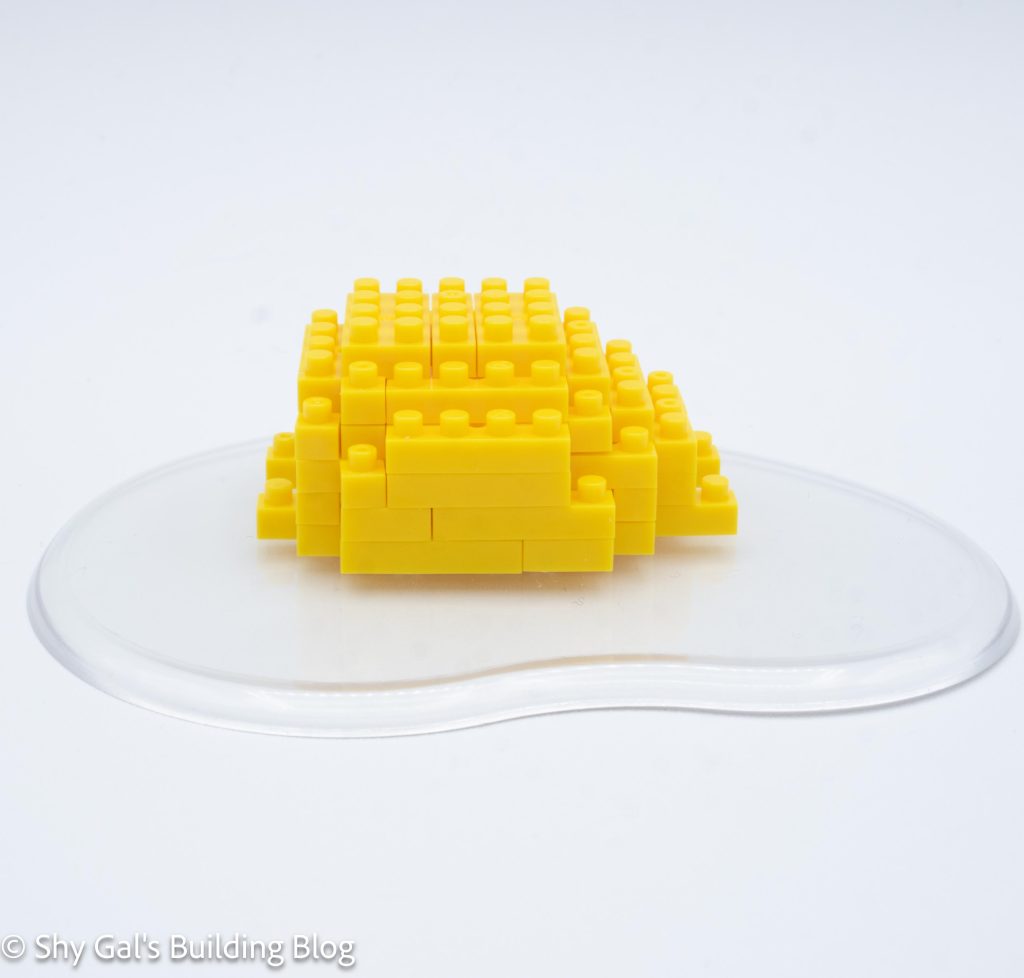
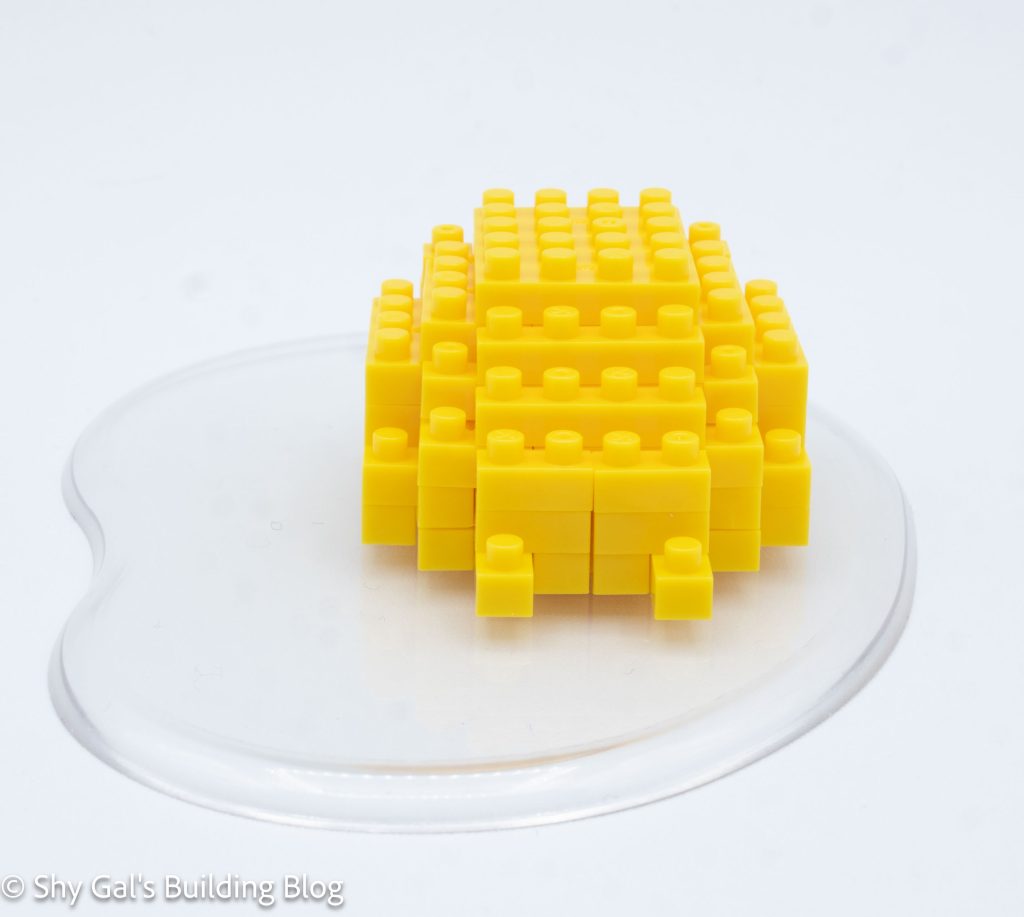
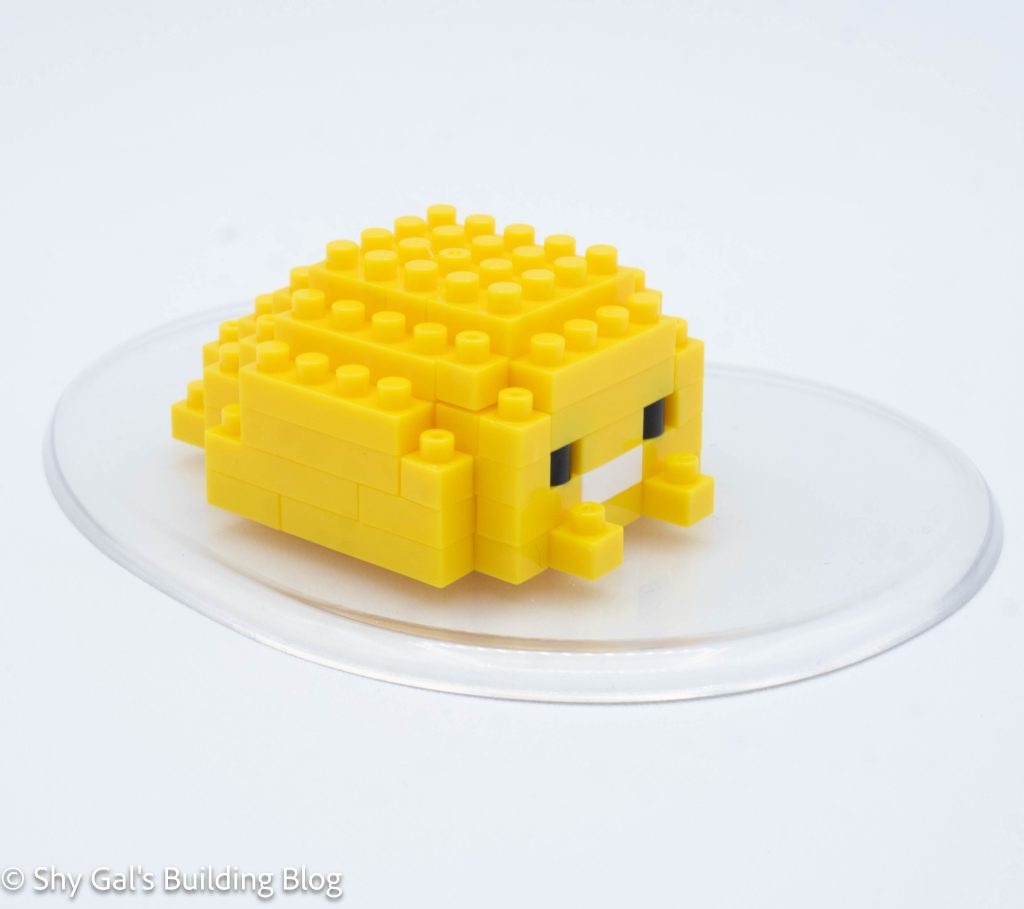
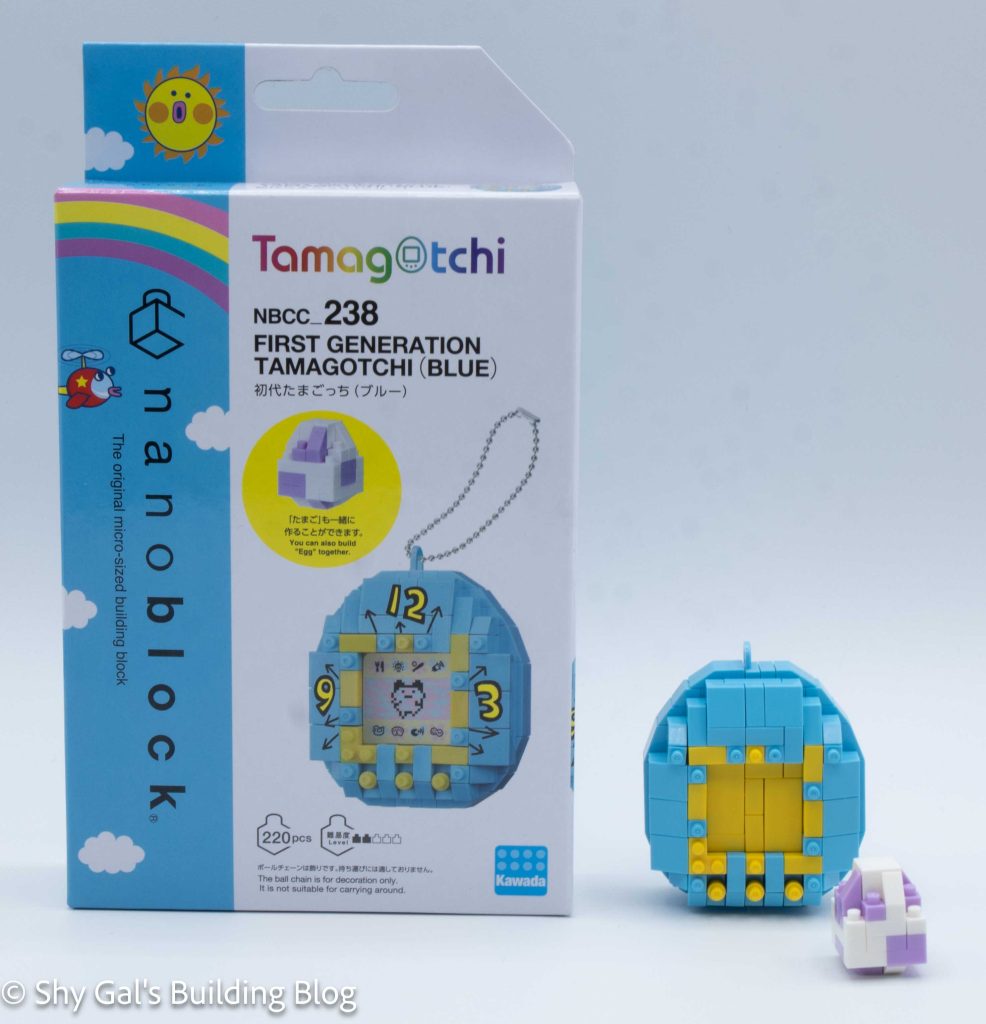
This post is a review of the nanoblock Chairoikoguma Ebifurai build. Chairoikoguma Ebifurai is part of the nanoblock Character collection. Wondering what else is part of the Character collection? Click here for a list.
Number: NBCC_175
Number of Pieces: 160
Difficulty Rating: 2/5
This build begins with a base layer of yellow bricks. The first 4 steps create the base and round out the bottom of the build.
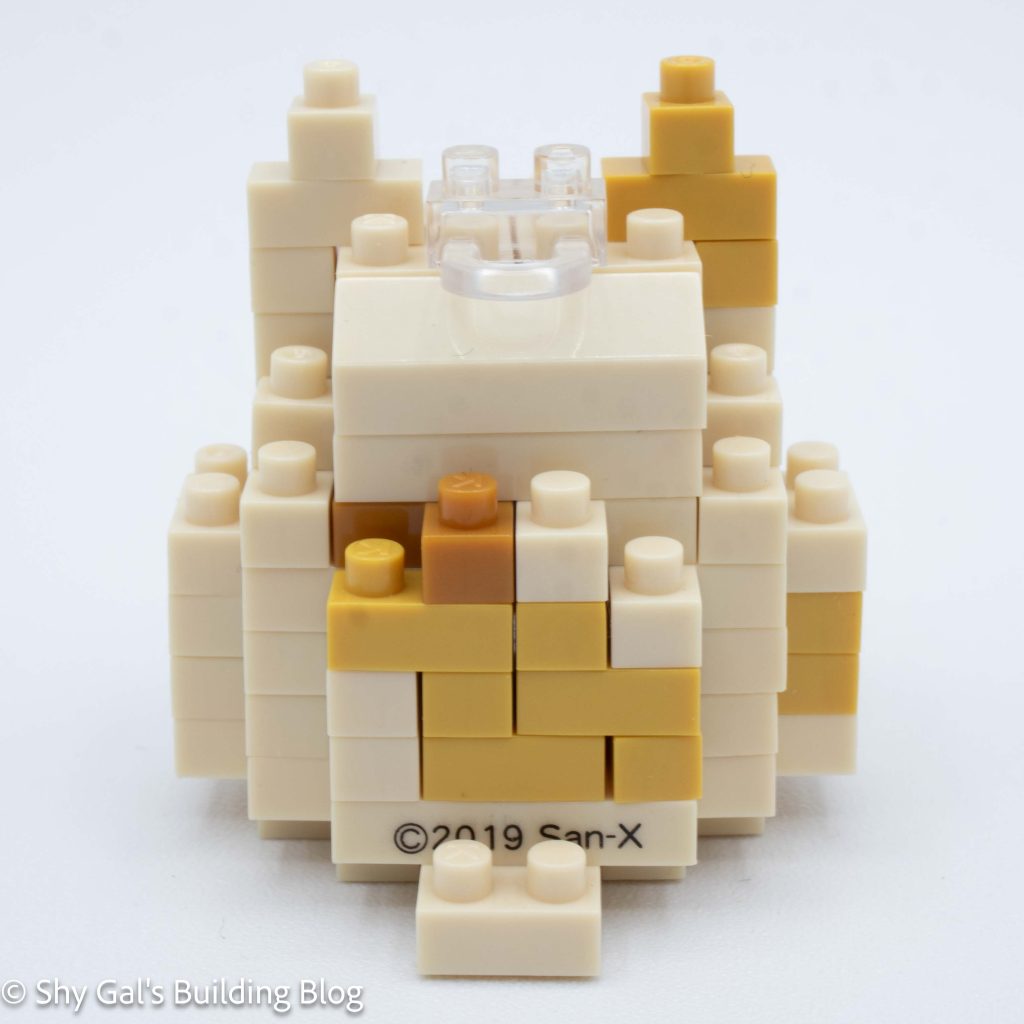
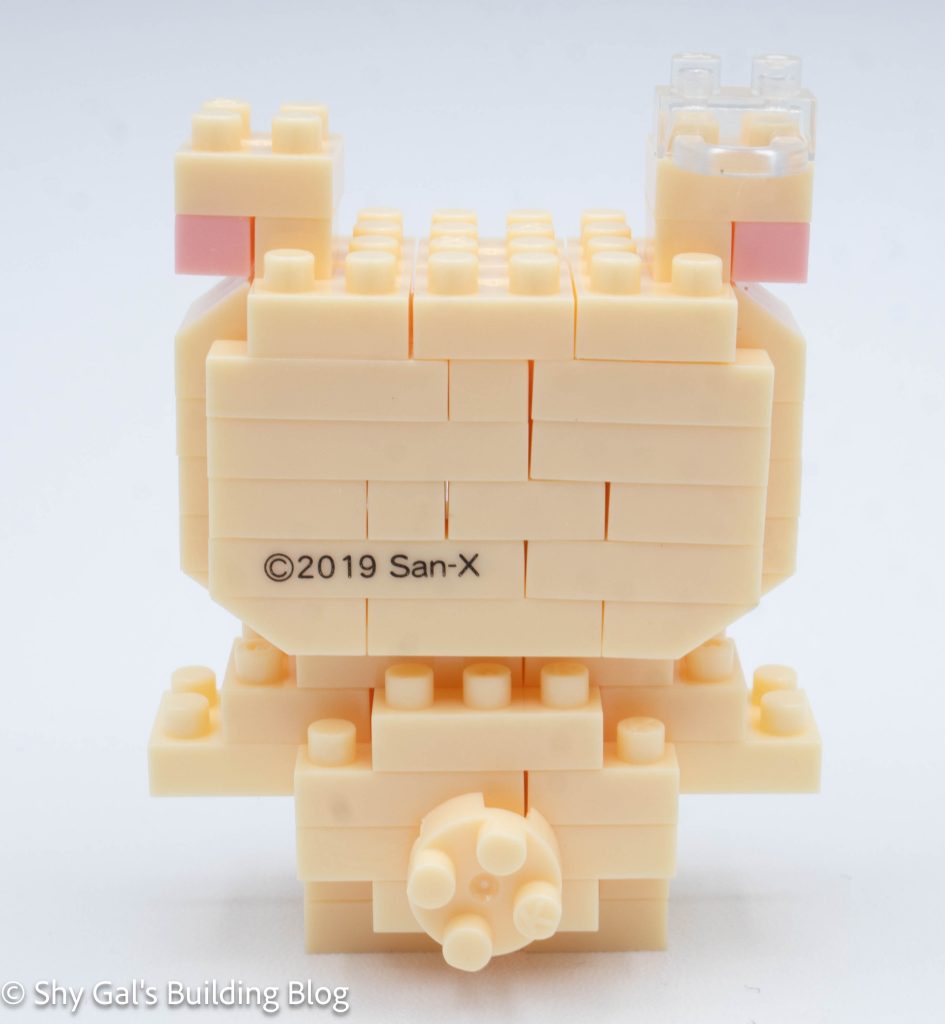
Next, I attached a stack of bricks to the back of the build. This stack included the printed copyright brick.
Then I work on the layers of the shrimp and start to work on the bear inside the breading. I added layers that builds the bear. I added the eyes and the printed brick for the nose.
After building the bear, I began to close up the shrimp. It took 3 steps to close up the build completely.
Next, I added the ears. Then I added the shrimp tails to the top of the build. The final step is to add the tail.
This post may contain affiliate links, and I may earn a small commission at no cost to you. This commission allows me to give you more information about brick builds by enabling me to buy more sets. See my full disclosure here .
This post is a review of the nanoblock Citta Del Vaticano build. Citta Del Vaticano is part of the nanoblock Sights to See collection. Wondering what else is part of the Sights to See collection? Click here for a list.
Number: NBH_152
Country: Vatican City
Number of Pieces: 780
Difficulty Rating: 4/5
This build is split into 2 sections. There is the building and the plaza.
Overall, telling which brown to use was a bit tricky for the Camel and Gold Brown. Sometimes the instructions said which color to use, but other times, they didn’t tell me.
The first section that the instructions cover is the actual building. The first step was to raise the 20×20 by a level. This meant when I was connecting the 2 bases, I had a very solid connection.
The next step is to lay out the base layer of bricks on the 20×20 level.
The building goes up in straightforward layers. I like the detail that goes into each layer so the building looks more detailed.
After adding several layers, I added the roof over a few steps.
Then, I added the blue dome to the roof.
The next step is to build the plaza. I found the plaza surprisingly tricky.
The first step is laying out the white and grey brick base layer on the 20×20 baseplate.
Next, I added the semicircles around the plaza. Building the chains was pretty straightforward, but curling the bricks wasn’t very clear. I’m unsure I got things lined up properly when I attached them to the base.
The kit comes with a couple nanoids that I didn’t include because I’m relatively sure they don’t match the scale.
Things I liked:
I like that one of the bases is raised, so when the bases were connected, there was a solid base
Things I didn’t like:
I didn’t like how it wasn’t clear when to use which brown in some steps
This post may contain affiliate links, and I may earn a small commission at no cost to you. This commission allows me to give you more information about brick builds by enabling me to buy more sets. See my full disclosure here .
This post is a review of the nanoblock Kiiroitori Broccoli build. Kiiroitori Broccoli is part of the nanoblock Character collection. Wondering what else is part of the Character collection? Click here for a list.
Number: NBCC_174
Number of Pieces: 190
Difficulty Rating: 2/5
This build begins with a layer of bricks that creates the center of the base.
Over the next couple of steps, I added bricks that enlarged the base and rounded out the bottom of the build.
Then I added a stack of bricks to the back of the base. The printed brick was supposed to be used in this step, but I missed it and used a normal brick instead.
After one more layer of green bricks, I began to work on the face in layers.
Eventually, I closed up the entire light green sections.
Next, I built and added the leaves to the hands.
The next major section is to build the green leafy area on top.
I found the first step of building the leafy section to be confusing.
Over several steps, the leafy area gets larger and grows into a large oval.
Once the leafy section has reached its maximum diameter, a few more layers are added to add detail and round out the Broccoli.
I then attached the leafy section to the base.
The last step was to add the final details that are placed onto the studs on the side bricks.
Things I liked:
I like how there are various shades of green to make the build look more like real broccoli
Things I didn’t like:
I found the first step to build the leafy section hard to follow
This post may contain affiliate links, and I may earn a small commission at no cost to you. This commission allows me to give you more information about brick builds by enabling me to buy more sets. See my full disclosure here .
This post is a review of the nanoblock Florence build. Florence is part of the nanoblock Sights to See collection. Wondering what else is part of the Sights to See collection? Click here for a list.
Number: NBH_164
Country: Italy
Number of Pieces: 730
Difficulty Rating: 3/5
This kit is used to build the Duomo, which is a massive cathedral in Florence.
The kit begins building the base, which is 1 20×20 base and 2 10×10 bases. The outline of the building is also laid out in the first step.
The church goes up in fairly straightforward layers.
The next step is to build the dome from a couple of rings of bricks. Each ring connects in the center of the tower.
Then, some details are built around rings to create a base for the dome.
The final step of the main building is to build the dome. I wish I had built it on my nanoblock pad because the edge sections kept popping off.
Next, the details of the main complex will be added.
First is to build the small building out front. It is very straightforward.
Second is to build the tall tower off to the side. This is a bit tricky because some of the steps are unclear as to which light grey bricks to use.
Finally, the last details are all. This includes the roof of the outer buildings and the trees. There is also a nanoid, which I didn’t include because it didn’t match the scale.
Things I liked:
How the dome is built with the rings
Things I didn’t like:
In looking at photos of Florence, I have no idea how there are trees near the building
This post may contain affiliate links, and I may earn a small commission at no cost to you. This commission allows me to give you more information about brick builds by enabling me to buy more sets. See my full disclosure here .
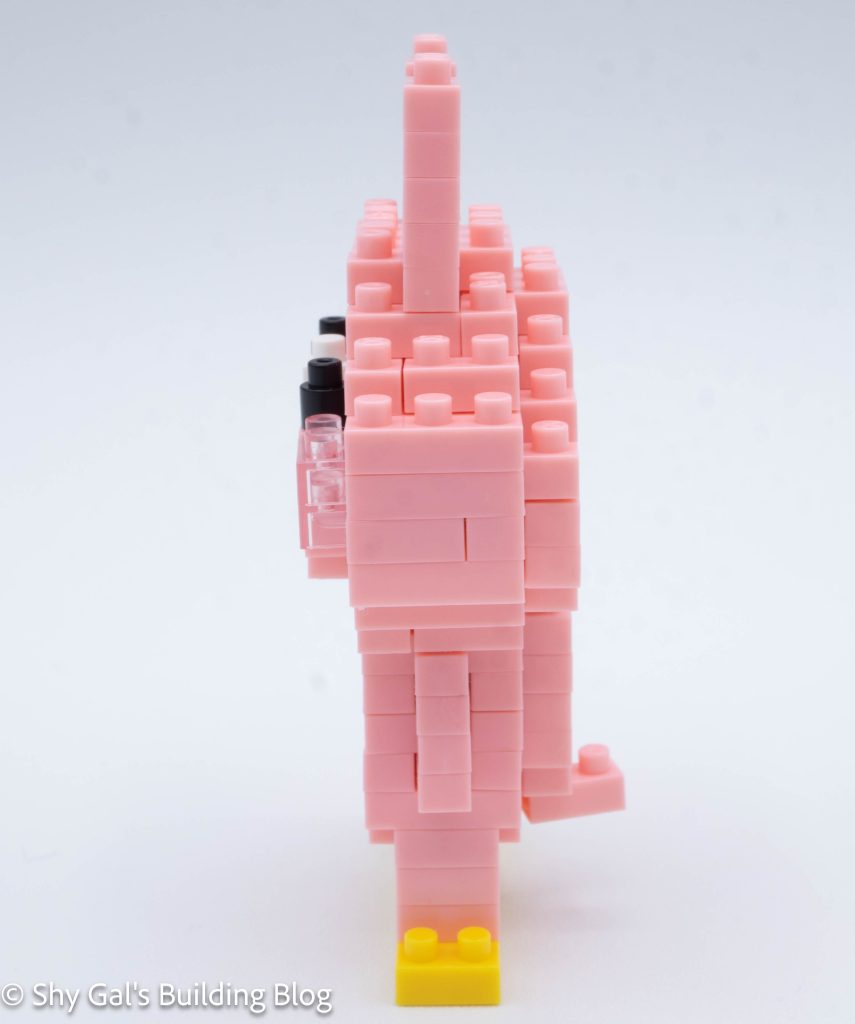
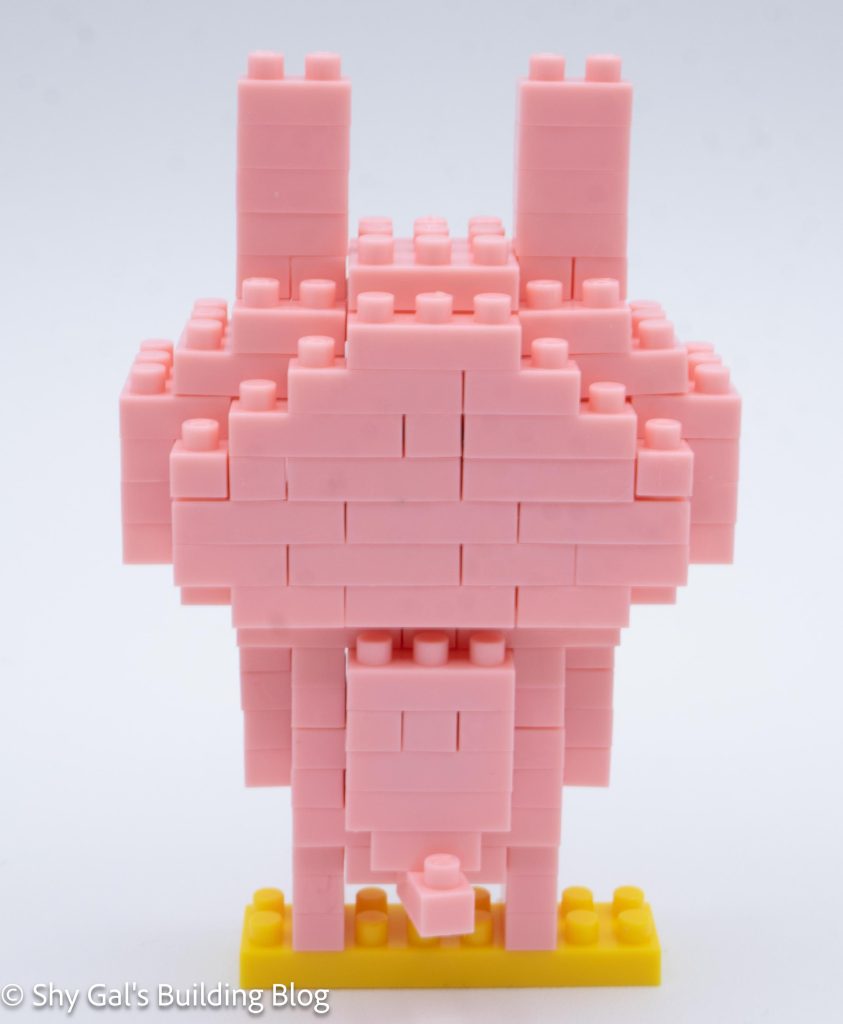
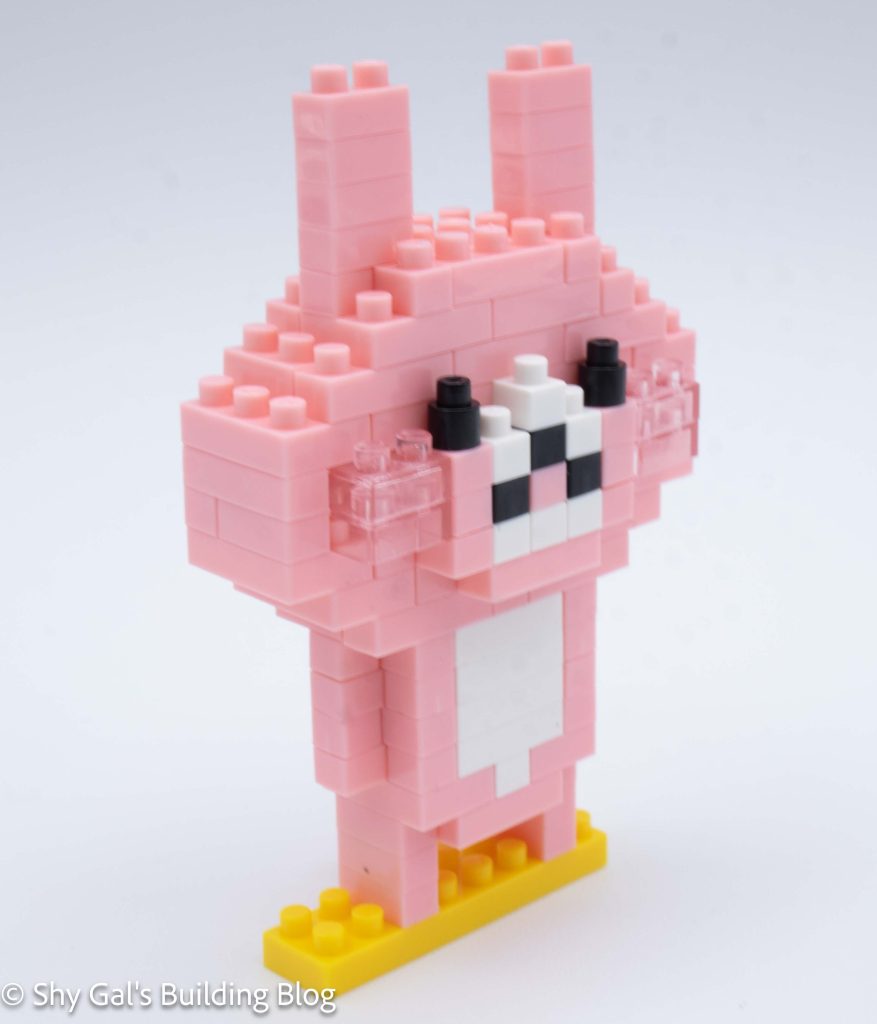
This post is a review of the nanoblock Korilakkuma Takosan Wiener build. Korilakkuma Takosan Wiener is part of the nanoblock Character collection. Wondering what else is part of the Character collection? Click here for a list.
Number: NBCC_173
Number of Pieces: 150
Difficulty Rating: 2/5
This is a build of Korilakkuma dressed up as an octopus sausage. This is a common thing to have in Japanese bento boxes.
This build begins with a couple of layers of orange. I flipped the build over to add Korilakkuma’s feet.
Then I added the bricks to the build to create the outside of the main build.
Then I flipped the build back over and added all the legs for the sausage.
Then I built up the walls of the main sausage build. This included adding Korilakkuma’s face with a printed brick for their nose.
After building up the height, it was time to close up the sausage.
Then I added Korilakkuma’s ears sticking out from the top of the sausage.
Things I liked:
I like that the nose brick was printed
Things I didn’t like:
I’m not sure what the red brick at the front of the sausage is supposed to be